Secure Faxing: Myths vs Reality
 Mircea Rilă
We separate facts from marketing: encryption scopes, storage, logs, and when email‑to‑fax increases risk.
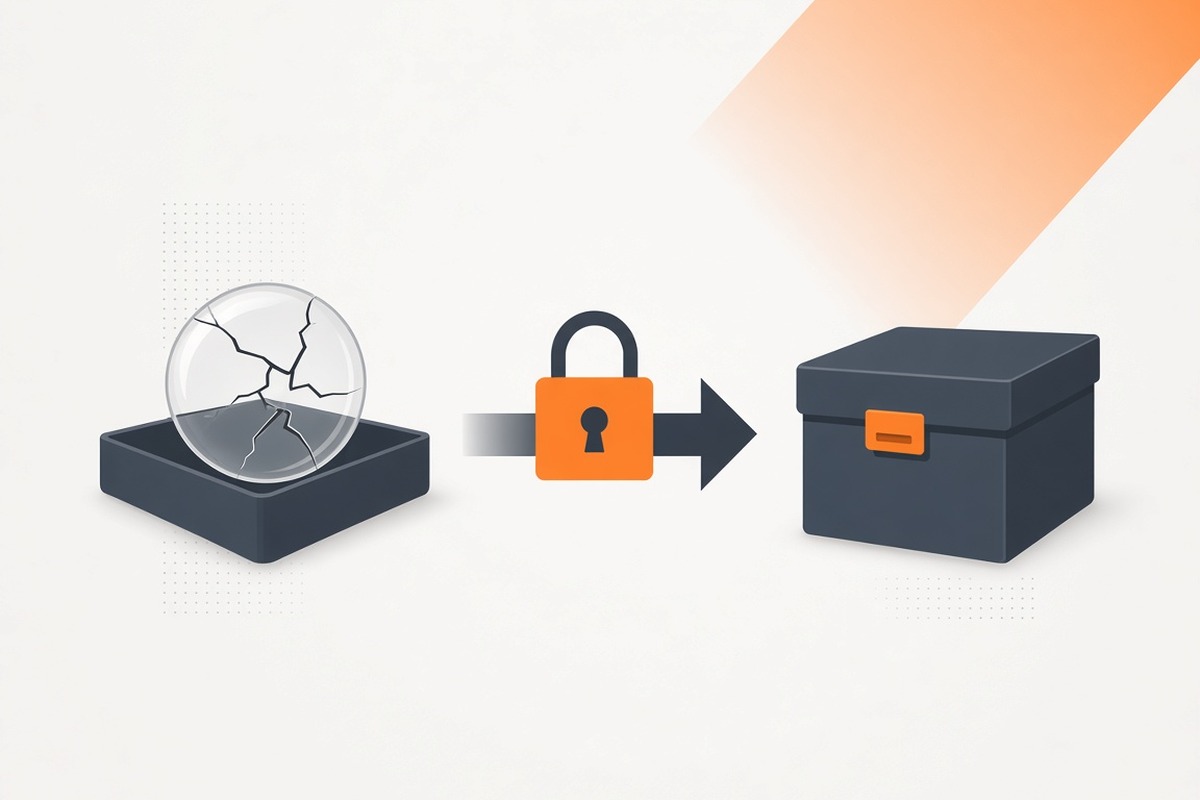
Common Myths
Myth: “Fax is always secure by default.” Reality: Security depends on implementation, encryption, access control, and how storage is handled.
Myth: “Cover sheets make data safe.” Reality: They help process and minimize exposure but avoid sensitive data on the cover itself.
Myth: “Logs aren’t necessary.” Reality: Audit logs and confirmations are essential for compliance and investigations.
Practical Checklist
- Enforce MFA and strong passwords
- Confirm TLS in transit and encryption at rest
- Limit access; review audit logs regularly
- Use minimal‑data cover sheets
Related reading
- HIPAA Fax Myths vs Facts in 2026
- Healthcare Faxing in 2026
- Fax Security 101
- Online Faxing Security Best Practices
What “Secure Fax” Actually Means in 2026
“Secure” is not a switch. It’s a set of controls that protect data in motion and at rest, verify who’s accessing it, and leave an audit trail. Real security is about layers and consistency, not labels.
Core elements:
- Encryption in transit (TLS) and at rest
- Strong authentication (MFA) and unique user accounts
- Role‑based access control (least privilege)
- Comprehensive logging and tamper‑evident audit trails
- Retention and deletion policies
Myth vs Reality (Deeper Dive)
- Myth: “Fax is inherently safer than email.” Reality: It depends. Email can be very secure with modern controls; fax over IP can also be secure if implemented correctly. Both require proper configuration, training, and policy.
- Myth: “If I use a cover sheet, the rest doesn’t matter.” Reality: Cover sheets are for routing, not for protecting sensitive content. Never put PHI or confidential content on the cover itself.
- Myth: “My provider says they’re compliant, so I am too.” Reality: Compliance is shared responsibility. Your org must enforce MFA, manage access, train staff, and retain confirmations appropriately.
- Myth: “We don’t need logs because we trust our team.” Reality: Auditing isn’t about distrust; it’s about traceability. Logs help detect errors, prove delivery, and support investigations.
Threats and How to Reduce Risk
- Phishing/Account Takeover: Require MFA. Don’t share logins. Rotate passwords.
- Mis‑fax (wrong recipient): Verify numbers from the official source; use speed‑dial with caution; include a callback on the cover.
- Device Loss/Theft: Use device encryption and biometric lock; enable remote wipe.
- Over‑retention: Define retention periods and purge schedules; don’t keep data longer than needed.
Policy Essentials (Copy/Adapt)
“Fax Security Policy (Excerpt)”
- All fax transmissions must use TLS in transit and encryption at rest.
- Staff must authenticate with MFA; shared accounts are prohibited.
- Fax cover sheets must not contain PHI or highly sensitive data.
- Transmission confirmations and access logs are retained per our policy.
- Fax content is purged per the records retention schedule unless legally preserved.
Incident Playbook (Quick)
- Stop further transmission; identify what was sent and to whom.
- Notify your security/privacy officer; follow your incident plan.
- If appropriate, request destruction/return from unintended recipients.
- Document root cause and update procedures to prevent recurrence.
Configuration Checklist (Provider‑Side)
- TLS in transit; encryption at rest
- SSO/MFA available (enforce if possible)
- Role‑based access and user management
- Detailed delivery confirmations and access logs
- Data residency options if required by policy
End‑User Practices That Matter
- Verify destination numbers directly (don’t rely on old sticky notes)
- Keep cover sheets minimal (route info only)
- Store confirmations with case/patient/vendor records
- Avoid public Wi‑Fi; use cellular or VPN
- Train staff to report suspected misroutes immediately
Frequently asked questions
Over IP, transit uses TLS; storage is provider-encrypted. Verify MFA, role access, and audit logs.
It can add risk. Use a dedicated mailbox, MFA, and phishing controls; prefer an authenticated portal when you handle sensitive files.
If you handle PHI, yes. Confirm encryption, access controls, logging, subcontractors, and breach notification language.
Match your records retention policy and any regulatory requirements. Keep enough to prove delivery and access without over-retaining content.