Chrome extension
Fax a document from Chrome
Free Chrome extension. Attach a public PDF already open in the tab, or choose a file, then finish the destination and price on SingleFax.
Free to install. No monthly fee for the extension. $0.99 covers up to 10 pages, pay only if delivered.
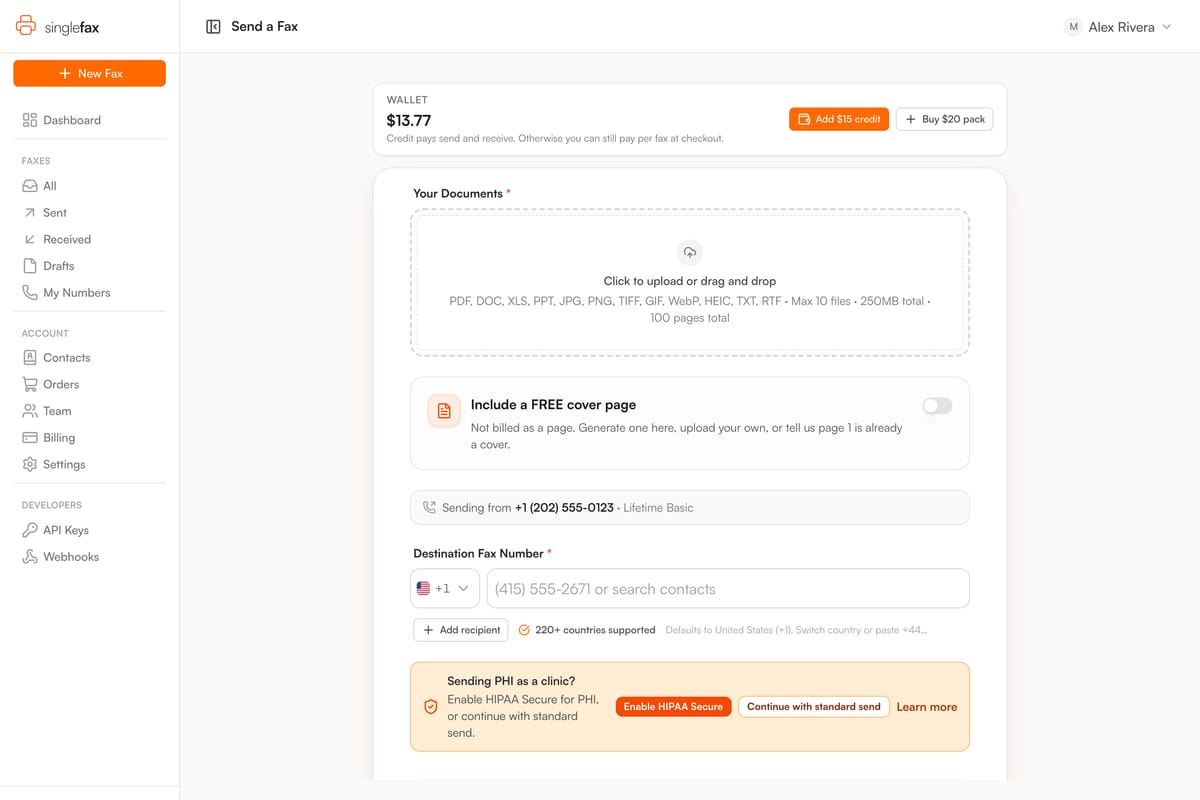
Step 1
Attach the document
Attach the public PDF already open in the tab, or choose a file (PDF, Word, Excel, PowerPoint, text, or image).
Step 2
Finish on SingleFax
Enter the destination and review the exact price. A cover page and any extra files stay on the website.
Step 3
Review the payment terms
$0.99 covers up to 10 pages, pay only if delivered. Review the packet and quote before checkout. The extension has no monthly fee.
Standard fax only
For document preparation and device-specific steps, see how to fax from a computer or fax from a Mac.
Do not use this extension for medical records or other protected health information. HIPAA Secure Mode stays on the website.
A file open inside Gmail, Drive, or another viewer cannot be grabbed from the tab. Download it, then use Choose a file.
Prepare the file before opening the extension
Save the final signed document, check that every page is readable, and confirm the recipient’s direct fax number. A phone extension is not a fax number. Download private documents from their original service instead of copying a login-protected URL.
On the SingleFax page, review the assembled packet, page order, destination and price before checkout. Keep the final transmission result. A successful fax confirms transmission; the recipient still decides whether the document is complete and acceptable.