How Long Does a Fax Take to Send?
$0.99 covers up to 10 pages, pay only if delivered.
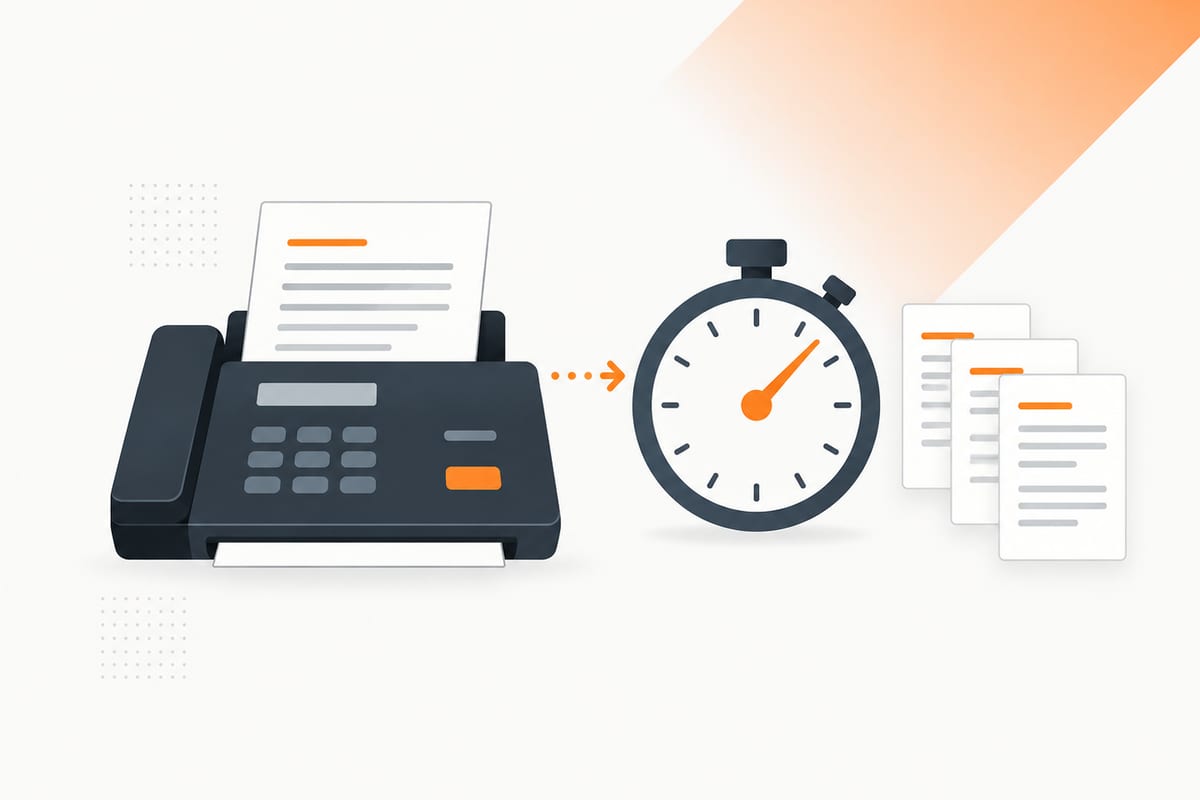
A one-page letter and a ten-page packet do not take the same time to send. Neither does a clean typed form and a dark phone photo. Start with 30–60 seconds per text page, then leave room for the connection and any delays below.
Already waiting for a send? Jump to how to know if a fax went through. For the underlying process, read how a fax machine works.
How long does a fax take per page?
Use these ranges to budget time for a successful attempt on an available line. They are editorial planning estimates, not measured SingleFax averages, manufacturer benchmarks or guaranteed limits.
| Document and fax setting | Estimated page transmission time | What changes the time |
|---|---|---|
| Ordinary typed text, standard resolution | About 30 seconds–1 minute per page | Amount of text and negotiated connection speed |
| Small text or detailed forms, fine resolution | Allow about 1–2 minutes per page | Extra detail, encoding and receiving equipment |
| Photos, shaded scans or image-heavy pages | Allow about 1–3 minutes per page, sometimes longer | Gray areas, backgrounds and image complexity |
These rows describe page transmission, excluding scanning, uploading, conversion, dialing, queues and retry waits. The ranges overlap: a clean page at fine resolution can beat a noisy scan at standard resolution. A fast machine can also transmit a simple page sooner than these planning allowances.
Brother's resolution guidance confirms the direction of the tradeoff: fine modes add detail and take longer, while photo mode is slowest on the documented models. It does not prescribe universal seconds-per-page figures.
How long does it take to fax 1, 5 or 10 pages?
For ordinary text, multiply the page count by 30–60 seconds:
| Transmitted text pages | Estimated page transmission time |
|---|---|
| 1 | About 30 seconds–1 minute |
| 5 | About 2.5–5 minutes |
| 10 | About 5–10 minutes |
| 20 | About 10–20 minutes |
Add connection setup and any preparation or waiting time. Count every transmitted page, including a cover sheet, even when the service includes that cover in its price. A ten-page document with a cover is eleven pages on the fax connection.
How long does it take to send a fax online?
Online fax has several stages: upload → conversion → queue, if any → dialing and connection → page transmission → final result. Your browser finishing an upload only completes the first stage.
A service may need to convert Word files, images or multiple attachments into fax-ready pages. That can take extra time before a call starts. A complete, readable PDF can simplify preparation, but a PDF containing large scans still has detailed images to transmit.
The recipient can be a conventional machine or an online fax endpoint. Your internet upload speed does not determine the negotiated fax speed between those endpoints. Learn more in the online fax guide, or review a one-time send quote.
Use a document-specific estimate when your service provides one. Allow extra time for a deadline, because preparation estimates do not predict whether the destination will answer.
Fax speed: what 14.4 kbps and 33.6 kbps mean
kbps means kilobits per second, the rate of transmitted data rather than a guaranteed number of pages per minute. ITU-T V.17 supports fax rates up to 14.4 kbps (14,400 bits per second). Super G3 fax uses V.34, which supports rates up to 33.6 kbps when both endpoints and the connection support it.
Endpoints negotiate a compatible rate and can fall back when a faster rate fails. A VoIP fax path may settle at 14.4 kbps or lower, depending on the gateways and settings; that is not a universal VoIP limit. Cisco's fax-relay guidance describes V.17 transmission and retraining at lower rates. Some equipment also offers slower compatibility modes: Brother's modem-speed guidance lists Normal at 14.4 kbps and Basic (for VoIP) at 9.6 kbps. Follow your model's instructions before changing settings.
A 33.6 kbps maximum does not make every fax finish twice as fast: connection setup, page detail, compression and retries still affect the total. Keep the planning allowances above and use the final result to confirm delivery.
Why is my fax taking so long?
Images and higher resolution
A page with text on a white background is different from a photograph containing shadows, texture and gray areas. Those details affect the encoded page image. Fine resolution can help small text remain readable, but it adds detail to transmit.
The original upload's megabyte size is not a reliable stopwatch: the service converts and encodes the pages for fax. Shrinking a file without changing its page appearance may do little for transmission speed.
Line noise and a slower connection
Fax endpoints agree on compatible settings before sending pages. Poor line conditions can lead to a slower connection, error recovery or a failed attempt. ITU-T T.30 defines the fax transmission procedures; a modem's maximum advertised speed does not guarantee every call runs at that speed.
For a physical machine with recurring failures, check the telephone connection and the manufacturer's troubleshooting instructions. Brother's poor-line guidance explains how interference can affect transmission. Follow the model's advice before changing compatibility settings.
Busy signals, no answer and retries
If the line is busy, page transmission has not started. If the machine is off or the number does not answer, the sender may wait before trying again. Retry policies vary by machine and service; several waits can turn a few minutes of transmission into a much longer elapsed time.
Check the service's current status and retry guidance. Avoid submitting duplicate sends while one is still active. If a final attempt fails, verify the number and ask the recipient whether its line is working before starting again.
Conversion and queues
An online fax can still be preparing its document or waiting for a sending slot. A retail visit adds travel, counter queues and possibly printing or scanning. These delays are separate from the per-page transmission estimate.
If the status remains unchanged longer than the service's displayed estimate or retry window, contact support with the order reference, destination and submission time. Never infer delivery from a payment receipt alone.
How to know if a fax went through
Look for the final successful transmission result, then match it to the document you intended to send:
- Check the result. An online service should report successful delivery. A machine should produce a successful transmission report; wording differs by model.
- Verify the destination number. A successful send to a mistyped number still reaches the wrong endpoint.
- Compare the page count. Include covers and attachments. If the service splits a long packet into multiple transmissions, verify that every part completed.
- Save the completion time and reference. Keep the result with a copy of the exact packet.
Brother's transmission-report instructions describe reports with the time, page count and result. On the documented models, OK means success and NG means the transmission was unsuccessful. Report printing may need to be enabled in the machine's settings.
An upload acknowledgement, payment receipt, fax tone or “sending” status is not a final delivery result. And successful transmission means the fax reached the reported endpoint; it does not prove that a person read the pages, routed them correctly or approved your request. If acceptance matters, follow up with the recipient through its official contact channel.
If you are checking whether a physical machine can send and receive reliably, follow our fax machine test guide with a harmless test page. A test confirms the equipment path; it does not replace the transmission result for your real packet.
How to send a fax faster
- Use a clean original. Crop out the desk around a phone scan, straighten pages and remove unnecessary shadows while preserving the full document.
- Choose suitable resolution. Standard can suit ordinary typed text. Keep fine resolution when small print, signatures or the recipient's rules require it; readability comes first.
- Remove unnecessary pages. Keep every required form, attachment and cover, but omit duplicate scans and unrelated material.
- Preview the complete packet. Check orientation, page order and signatures before sending so you avoid a corrected attempt.
- Confirm the direct fax number. A voice line or an outdated departmental number wastes time.
- Allow for recipient availability. A quieter time can reduce busy signals if the line remains active, but cannot guarantee speed.
Need help at a local counter? Our fax services near me guide explains where to look and what to bring.
For the practical steps, use how to send a fax. If you need to send now, open the online sender and keep the final result.
Common questions
Sources
- ITU-T T.30: Fax transmission procedures
- Brother: Fax resolution and transmission speed
- Brother: Successful transmission reports, page counts and results
- Brother: Poor line conditions and failed transmissions
- ITU-T V.17: Fax modem rates up to 14.4 kbps
- ITU-T V.34: Modem rates up to 33.6 kbps
- Cisco: Fax negotiation, transmission rates and VoIP relay
- Brother: Normal and VoIP compatibility modem speeds