POTS Sunset: Migrating Fax to the Cloud Without Downtime
 Mircea Rilă
Copper line retirements affect analog fax. Move to a cloud-based fax service without downtime, then send from the online fax provider.
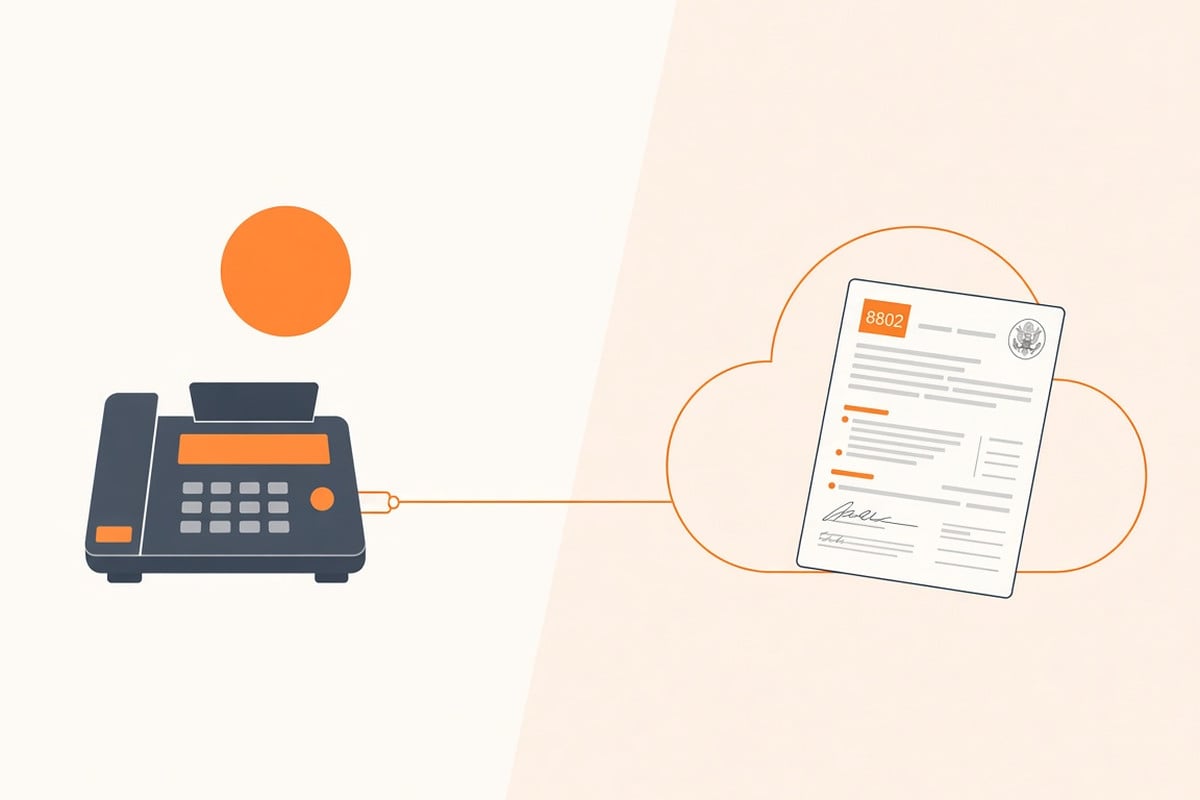
Moving an existing office number? Follow the step-by-step fax number porting guide to gather the LOA and carrier bill, keep the old service active and test routing after transfer.
Why Migrate
Copper-based POTS (Plain Old Telephone Service) lines are being replaced by newer networks. If your fax machine depends on an analog line, check your carrier's plans for your location and prepare a replacement before the line is disconnected.
Three dates matter this autumn: revised FCC copper-retirement and discontinuance rules take effect today, 15 October 2026; AT&T's request to stop business POTS lines in 34 states and DC can be granted automatically on or after 5 November 2026 unless the FCC acts; and Verizon has asked the FCC for authority to stop copper phone service in parts of nine states and DC on or after 30 November 2026. All three are explained below (sources checked 15 October 2026). Neither sets a nationwide shutdown or your own disconnection date. If your carrier notifies you of retirement or discontinuance, arrange eligible number porting or move your fax workflow before the line is cut.
The commercial overview is the online fax service: one provider for web fax, cloud-based fax, and digital fax, without a separate page for each name. Migrating to internet fax eliminates expensive dedicated line fees, bulky ATA boxes, and mechanical hardware headaches. More importantly, it reduces operational risk: no more paper jams, busy signals from a shared device, or maintenance windows taking your only physical fax machine offline.
POTS vs. Cloud: The Tradeoffs
- POTS (analog): Physical lines, machine maintenance, paper/toner supplies; familiar but increasingly expensive and fragile.
- Cloud fax: Internet-routed, device-agnostic, digitally archived; highly flexible and easily trackable.
If your teams are hybrid, distributed, or working from home, cloud fax matches how modern organizations operate in 2026.
What Changes on 15 October 2026
The FCC adopted its FCC 26-19 Report and Order on 26 March 2026 to speed the move from copper to IP networks. Most of it took effect on 20 May 2026, but the revised network-change disclosure and service-discontinuance rules waited for paperwork approval. The Federal Register notice of 1 October 2026 confirms those rules take effect on 15 October 2026 (today, as of this update). In short:
- Fewer FCC filings for copper retirements. Incumbent carriers no longer file copper-retirement and network-change notices with the FCC, and the FCC stops issuing public notices for them. Carriers must still post public notice (for example on their website) and notify interconnecting carriers and 911 providers directly.
- One test for replacing phone service. An application to discontinue legacy voice service can be processed on a streamlined basis if the carrier certifies that a replacement, such as facilities-based VoIP or mobile wireless, is available at every location in the area. This replaces the older Adequate Replacement and Alternative Options tests.
- Customers still get notice. Carriers must notify affected customers no later than the day they file a discontinuance application, and customers can file comments or objections with the FCC.
What it does not do: switch off any line on 15 October. It makes it faster for carriers to get approval, so expect more retirement letters, and plan your fax move before one arrives.
Verizon's Copper Shutdown Filing
On 9 September 2026, Verizon and its Frontier operating companies applied to the FCC (WC Docket No. 26-252) for authority to discontinue copper-based POTS in portions of California, Connecticut, Illinois, Maryland, Massachusetts, Michigan, New York, Pennsylvania, and West Virginia, plus the District of Columbia. Verizon says its network could serve over 28 million locations there, but only about 750,000 residential and business locations (2.7%) still subscribe to copper voice service.
The application is pending FCC approval. Verizon's customer notice says that, subject to approval, it will have authority to discontinue copper home phone service on or after 30 November 2026, and that affected customers will receive a further letter with their specific disconnection date. The replacement options it offers are fiber, cable, fixed wireless, or mobile voice, which the notice says support "many" legacy alarm systems and faxes, not all.
If your fax machine sits on a Verizon or Frontier copper line in one of those areas:
- Check whether your fax number appears on forms, letterhead, or partner contact lists.
- Start sending from the online fax service now so nothing depends on the copper line.
- Start number porting, now available with free eligible US/Canada local port-in on Standard or Business, including HIPAA Secure. Keep the current line active until completion and verified routing; new subscription billing begins at activation. Lifetime and 30-day plans do not accept port-ins. If you want a new number instead, compare pricing.
AT&T's Business POTS Discontinuance
On 5 October 2026, the FCC released public notice DA 26-1075 (WC Docket No. 26-276) inviting comments on AT&T's application to discontinue business landline phone service (POTS) sold as PrimePath or as Business Local Exchange Service (associated with AT&T Business Network, OneNet Option, or ACC Business). Consumer lines are not included.
The service areas are in Alabama, Arizona, Colorado, Connecticut, Delaware, Florida, Georgia, Illinois, Indiana, Iowa, Kansas, Kentucky, Maryland, Massachusetts, Michigan, Minnesota, Mississippi, Missouri, Nebraska, Nevada, New Hampshire, New Jersey, New York, North Carolina, Ohio, Oregon, Pennsylvania, Rhode Island, Tennessee, Texas, Utah, Virginia, Washington, and Wisconsin, plus the District of Columbia, as specified in the application.
- Comments due: 20 October 2026.
- Automatic grant: 5 November 2026, unless the FCC notifies AT&T that the grant will not be automatically effective. AT&T may then discontinue the service on or after 5 November 2026.
What to do now if your business fax runs on an AT&T line
- Check your AT&T bill for PrimePath or Business Local Exchange Service and confirm whether your fax line is one of them.
- Start sending from the online fax service so nothing depends on the analog line.
- If you want to keep the number, start number porting now and keep the AT&T line active until routing is verified. If you object to the discontinuance, file comments in WC Docket No. 26-276 by 20 October 2026.
Simple Migration Checklist
- Inventory fax workflows (send/receive volume, departments involved)
- Create clear PDF templates and a standard digital cover sheet
- Pilot with one team using send a single fax
- Assign a lifetime fax number for received faxes
- Update digital letterhead, forms, and contact pages; notify key partners
- Decommission legacy analog lines after a parallel run period
Integrations that Help
- Route received faxes to shared email inbox or document management systems
- Set clear digital retention and automatic deletion policies
- Leverage instant delivery confirmations in your organizational audit trail
Related Reading
- Online fax service (web, cloud-based, and digital fax)
- Fax Without a Phone Line
- How to Choose an Online Fax Service for Your Business
- Healthcare Faxing in 2026
- Government & IRS State Forms in 2026
Step‑by‑Step Migration Plan (Detailed)
1) Discovery & Inventory (1–2 days)
- Identify every place your legacy fax number appears (website, printed forms, invoices, email signatures).
- List send/receive use cases by department (intake, billing, HR, legal).
2) Choose Your Number Strategy (local/toll‑free/vanity)
- Keep your existing number by porting it to a cloud provider.
- Or claim a new lifetime fax number and temporarily forward the old line during transition.
3) Pilot (1 week)
- Move one specific workflow (e.g., billing) to send a single fax.
- Validate receipt confirmations, legibility, and team steps (cover sheet, digital filing).
4) Parallel Run (2–4 weeks)
- Route received faxes to both the legacy analog machine and your new cloud inbox.
- Train staff to file incoming PDFs, save confirmations, and purge files according to security policies.
5) Org‑Wide Rollout
- Update digital letterhead and contact forms with the cloud fax number.
- Notify key partners and vendors of the new number and its effective date.
6) Decommission & Clean Up
- Cancel the legacy analog phone line(s) after a stable parallel period.
- Recycle obsolete hardware and remove fax machine references from physical signage.
ATA vs Pure Cloud
- Analog Telephone Adapter (ATA): Bridges a legacy physical fax machine to a VoIP internet connection. This preserves the physical machine experience but maintains hardware maintenance, paper jams, and toner costs.
- Pure Cloud: Send and receive directly from your web browser or app. Requires no physical hardware, works anywhere, and provides a much better digital audit trail.
For many SMBs, pure cloud offers significant advantages in cost, reliability, and ease of management, as it avoids the maintenance overhead of physical adapters and legacy devices.
Change Management & Training
- 30-minute training session: Show your team how to send faxes, where to find delivery confirmations, and how digital filing works.
- One-page runbook: Share a quick visual guide with screenshots and a standard digital cover sheet template.
- Centralized email: Route received faxes to a monitored shared inbox (e.g., fax@yourorganization.com) for consistent handling.
Cost Model: Where You Save
- Legacy line fees and long-distance charges → eliminated
- Physical device purchases, leases, and hardware maintenance → eliminated
- Paper and toner consumables → eliminated
- Employee time wasted clearing paper jams or waiting for free lines → significantly reduced
Offset by:
- A one-time number cost (if choosing a subscription-free lifetime fax number)
- Simple, transparent pay-per-fax sending fees
Reliability & Quality Tips
- Prefer digital formats: Always export documents as PDFs or high-resolution PNGs directly from Word/Excel rather than scanning whenever possible.
- Scanning practices: If physical scanning is required, use high-contrast settings and ensure pages are straight.
- Sizing packets: Split extremely large documents into smaller 25–50 page chunks to ensure optimal delivery speeds on legacy receiving devices.
Security & Compliance
- Enforce multi-factor authentication (MFA) and unique user accounts.
- Ensure state-of-the-art encryption in transit (TLS) and at rest (AES-256).
- Use clear audit logs and document retention policies.
- For PHI or public sector filings, keep digital delivery confirmations and restrict file access by role.
For highly regulated sectors, read our comprehensive guides on Healthcare Faxing in 2026 and Government & IRS State Forms in 2026. See also: Fax Security 101.
Frequently asked questions
Sources
- FCC. Phone transition and copper retirement
- FCC 26-19. Reducing Barriers to Network Improvements and Service Changes
- Federal Register. FCC 26-19 effective-date notice (1 October 2026)
- Verizon. Section 63.71 application to discontinue copper POTS (9 September 2026, WC Docket No. 26-252)
- FCC DA 26-1075. Comments invited on AT&T's application to discontinue business legacy voice service (5 October 2026, WC Docket No. 26-276)