How to Fill Out a Fax Cover Sheet
 Mircea Rilă
Download PDF or Word, or fill the cover online.
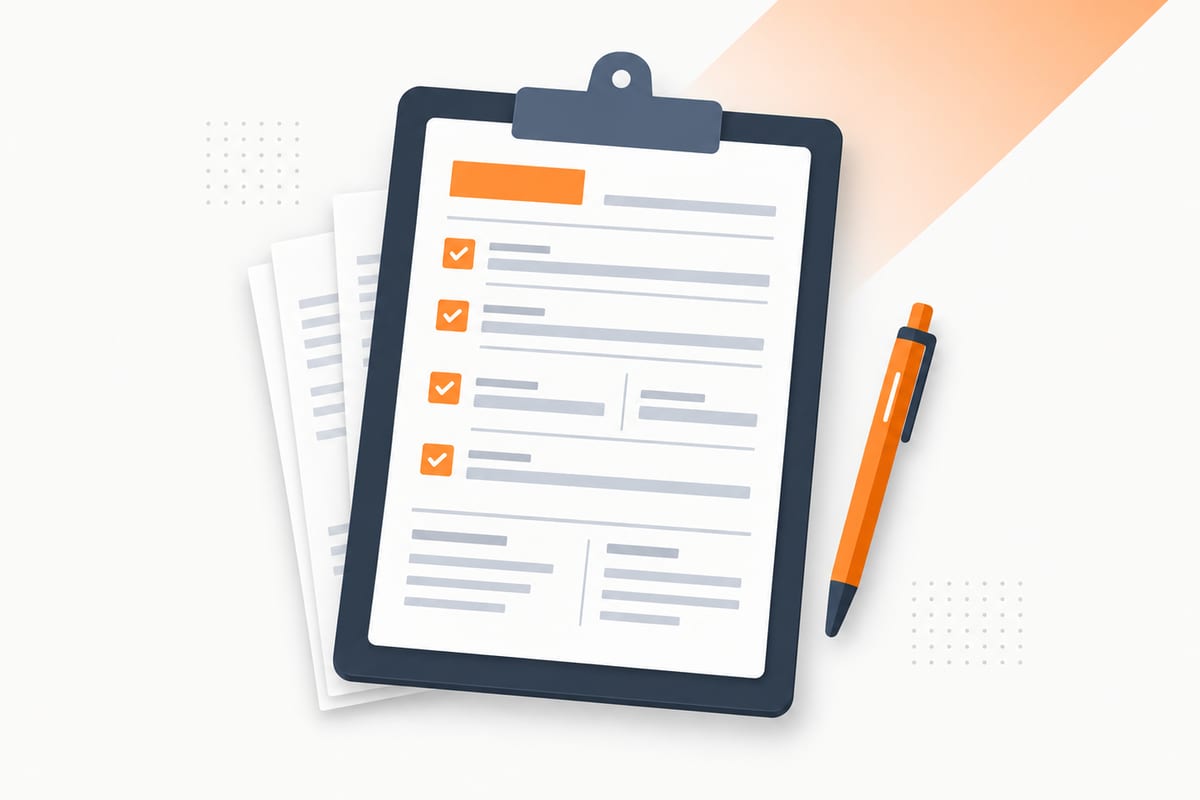
Start with a free fax cover sheet, or choose a design from the 12-template gallery. A cover helps the receiving office route the documents; it is separate from the form or signed attachment you are submitting.
Make the cover for free: Fill the fax cover-sheet generator and download its PDF. Creating a cover does not transmit the document; ordinary sending has a separate quote.
Fill in each field
Date
Use the date you will actually send the fax. If you prepare the cover ahead of time, update it before sending. Spell out the month when the sender and recipient use different date conventions: 8 October 2026 is clearer than 10/8/26 internationally.
The date on the cover does not replace a required signature date on the document. Check both independently.
To and department
Enter the person, office or department expected to handle the packet. For a shared office line, a department such as Records or Payroll often provides better routing than a company name alone. Use an attention line when the recipient's instructions provide one.
Do not guess an employee's name. A current letter may name a unit or case handler even when the website lists only the main office.
Fax number
Copy the recipient's fax number, not its voice telephone number. Compare it digit by digit with the official source. Include the country code for an online send when requested, and verify any office-specific routing rule.
A destination printed on the cover is not automatically entered into the sending tool. Check the composer or fax machine separately. The two numbers should agree. Our fax number guide explains number formats and extensions.
From and organization
Use the name the recipient can recognize from the attached paperwork. Add your organization if you are sending on its behalf. A shortened nickname can create avoidable confusion when the signed document uses a different name.
If you act as a representative, identify the sender accurately and include any required authorization in the packet. Writing a company name on the cover does not establish authority to act for it.
Phone and reply details
Provide a callback number you can answer. The recipient may need to report a missing page or clarify the department. A return fax number is optional unless the recipient requires one; you do not need to rent a number merely to send.
Use a reply email only if it suits the correspondence and the recipient's policy. It does not authorize the office to send sensitive documents through ordinary email.
Pages
Read the label before entering the count. Total pages including cover means the cover plus every document page. A three-page form and one cover make 4. Attachment pages would mean 3 for that same packet.
Count the final export, not the source document's estimate. A Word layout can gain a page during conversion. Delete unwanted blank pages and update the count whenever you add an attachment. If the recipient supplies a mandatory barcode cover, count that page too.
RE or subject
RE means regarding: a short description of the packet. Suitable examples include Signed authorization, Requested records or Form 2848 submission. It should help someone route the fax without reading all the attachments.
Avoid putting a full account number, diagnosis or Social Security number into the subject merely because there is space for it.
Notes or message
Write one or two practical instructions: Please route to Payroll, Please call if any page is missing, or Documents requested in your letter dated 1 October. Include a response deadline only when it is useful and accurate.
Marking a cover urgent does not guarantee faster delivery or processing. If a deadline is close, verify that the receiving office accepts this method and can handle the packet in time.
Need to send an ordinary document? Review a one-time fax quote. $0.99 covers up to 10 pages, pay only if delivered.
Fax cover sheet samples (filled-in examples)
These samples use fictional sender details. The IRS sample includes an official routing number for illustration; it is not a instruction to send every tax form to that unit.
| Field | Medical records | IRS form | HR paperwork |
|---|---|---|---|
| To | Lakeside Clinic / Records | IRS CAF Unit / Memphis | Payroll department |
| From | J Rivera | A Chen / Example Accounting | Morgan Lee |
| Subject | Records request | Signed Form 2848 | Onboarding paperwork |
| Total pages | 4 including cover | 3 including cover | 2 including cover |
| Message | Route the attached authorization to Records | Verify taxpayer state and current IRS routing | Confirm the attached form reached Payroll |
View the printable medical sample, IRS sample and HR sample. Replace every sample value before sending your own packet.
What not to put on a cover sheet
A routing page can be visible before someone opens the rest of the packet. Leave off unnecessary Social Security numbers, birth dates, diagnoses, passwords, full bank accounts and policy numbers. Use a reference or limited identifier only when the recipient needs it to route the documents.
Put required sensitive information in the appropriate attachment. For healthcare work, verify the number and use your organization's approved process; HHS identifies confirming an unfamiliar fax number as a reasonable safeguard. A disclaimer alone does not protect the full workflow.
Handwritten or typed?
Either can work. Typed text is easier to reuse and less likely to leave a digit ambiguous. For a handwritten cover, print the blank PDF, use dark ink and write legibly. Avoid faint pencil, tiny writing and corrections that obscure a phone number.
When you reuse a typed template, check old names, numbers and counts carefully. For an editable office file, use our Word cover sheet guide.
Make and check your cover in five steps
- Verify the recipient: confirm the name, department and direct fax number from its official source or current letter.
- Add sender and date: enter your name or organization, a callback number and the actual send date.
- Write subject and message: give brief routing instructions and leave unnecessary sensitive identifiers off the cover.
- Count the full packet: include the cover and every document page, and label what the count includes.
- Review and save: inspect the completed cover, save it as PDF or print it, and place it first unless the recipient requires its own leading page.
The online cover generator is free. Creating a PDF does not send a fax. After you upload the packet, review the destination and checkout terms on the send page.
When the recipient supplies a cover
Use the recipient's instructions ahead of a generic design. For example, SSA's eRE fax guidance requires its supplied barcode cover first for each requested document. Do not place an ordinary cover ahead of it or crop away the barcode.
Source and tool checks: 8 October 2026. Save your final packet and transmission result together; the cover's page count helps investigate missing pages, but does not prove the recipient approved the documents.