Fax Cover Sheet Template for Microsoft Word
Download PDF or Word, or fill the cover online.
Use the free fax cover sheet generator for a browser-made cover, or download an editable Word template below.
Send from $0.99 for up to 10 document pages, with $0 charged if delivery fails. For destination details, see the pricing FAQ. No account or subscription is required for a one-time send. Review the destination quote and full packet before checkout.
Download free Word fax cover sheet templates
The templates below are real editable Word files. Choose blank for general use, confidential for private paperwork, medical for a PHI notice, legal for a matter reference, or IRS for a form and receiving-unit line. Each also has a PDF version if you only want to print and fill it by hand.
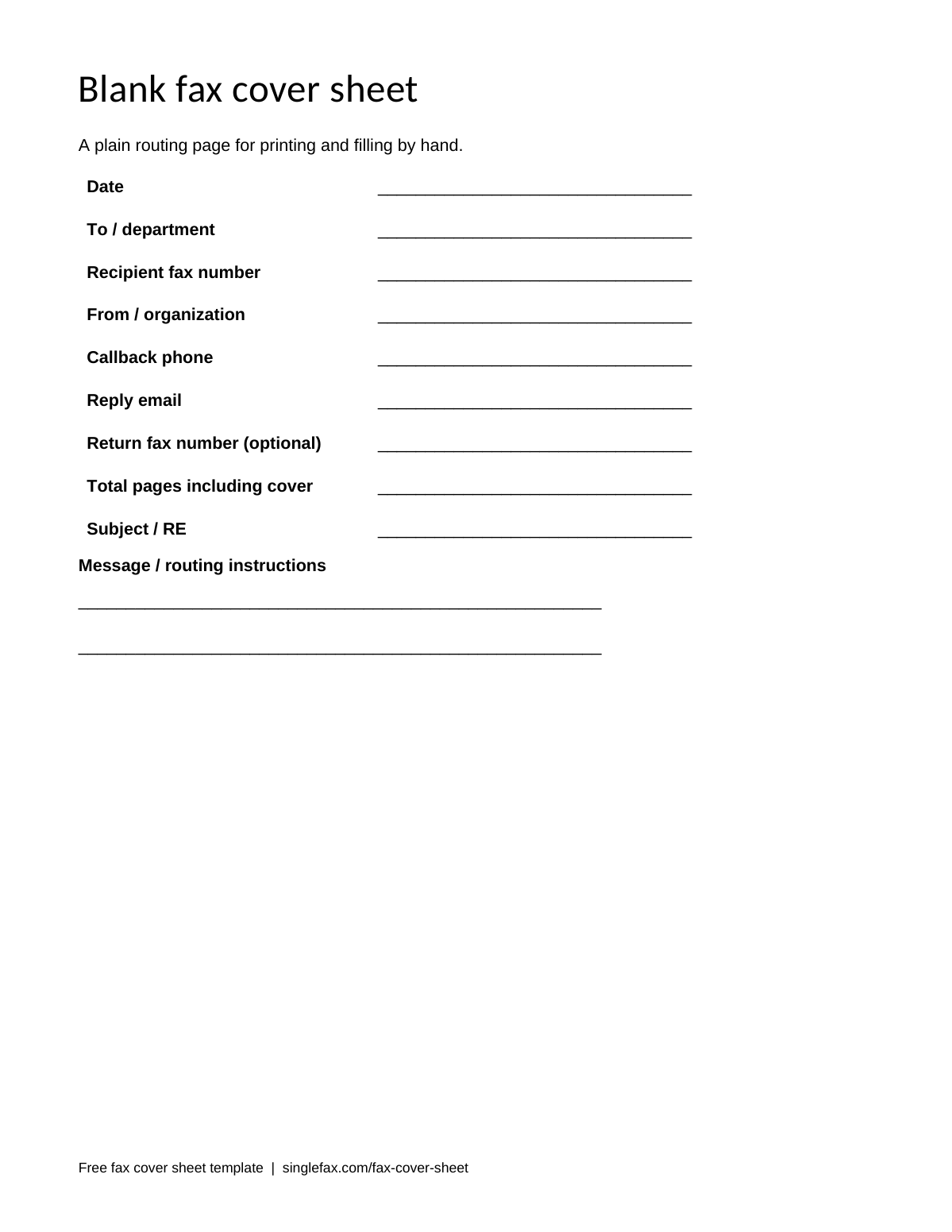
Blank fax cover sheet
A plain routing page for printing and filling by hand.
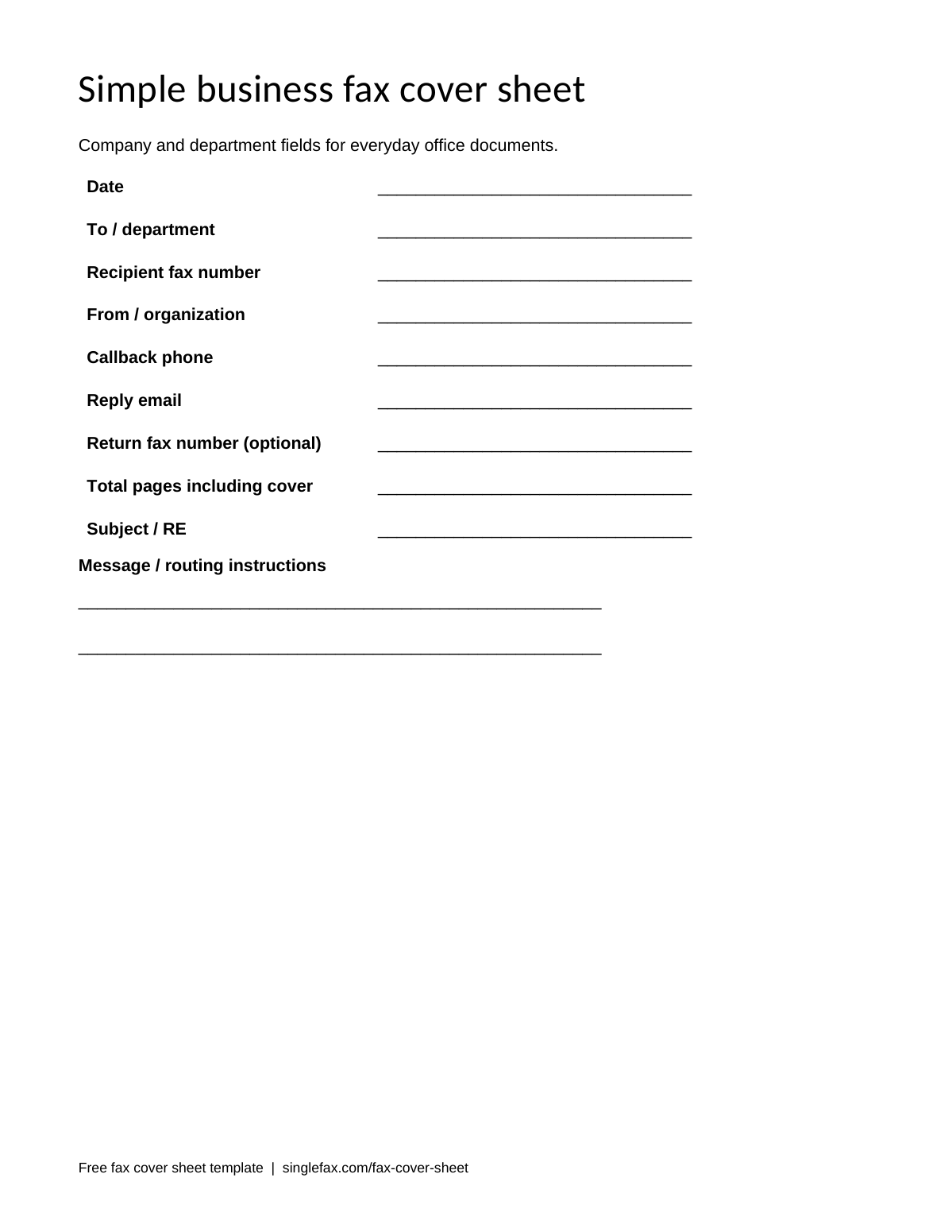
Simple business fax cover sheet
Company and department fields for everyday office documents.
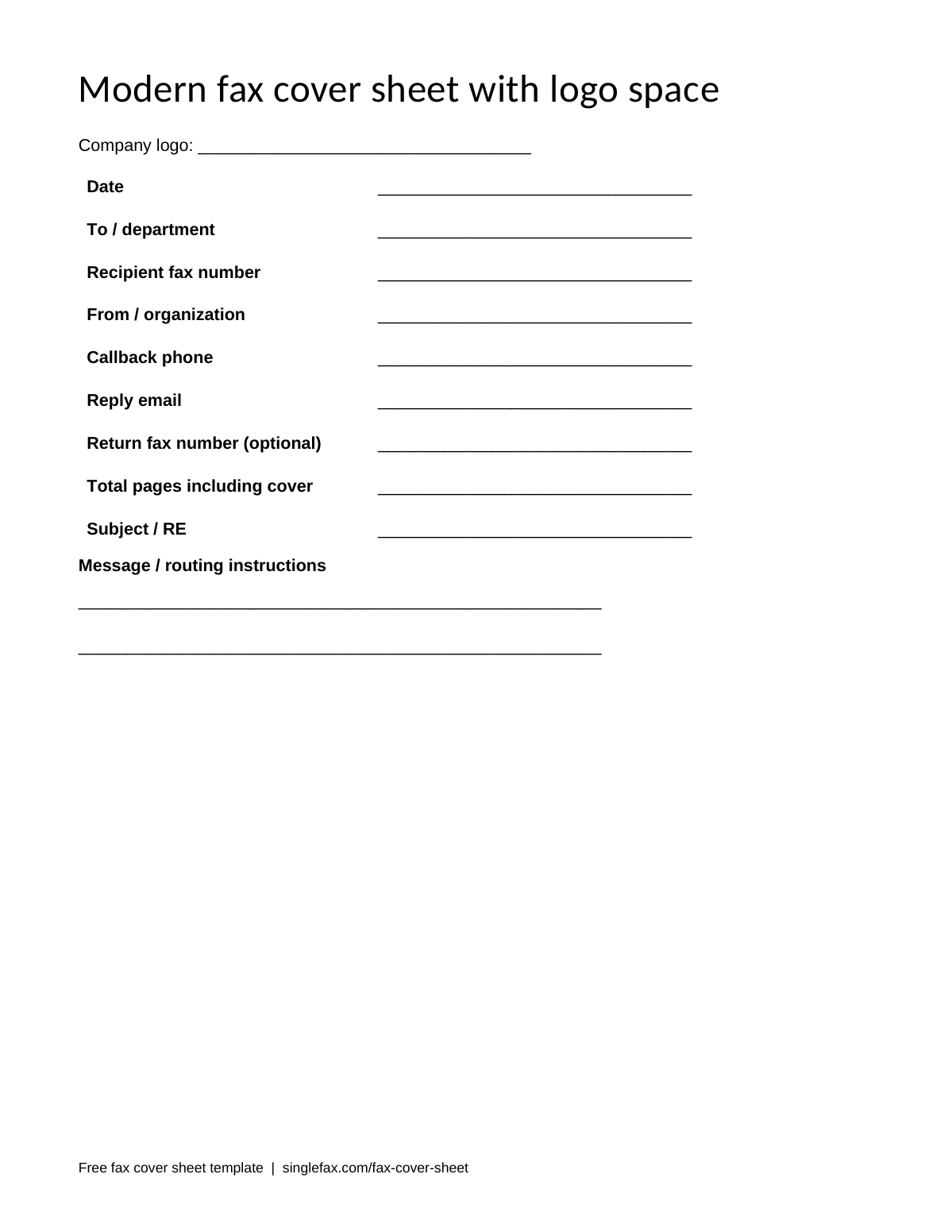
Modern fax cover sheet with logo space
A clean heading with room for your own company logo.
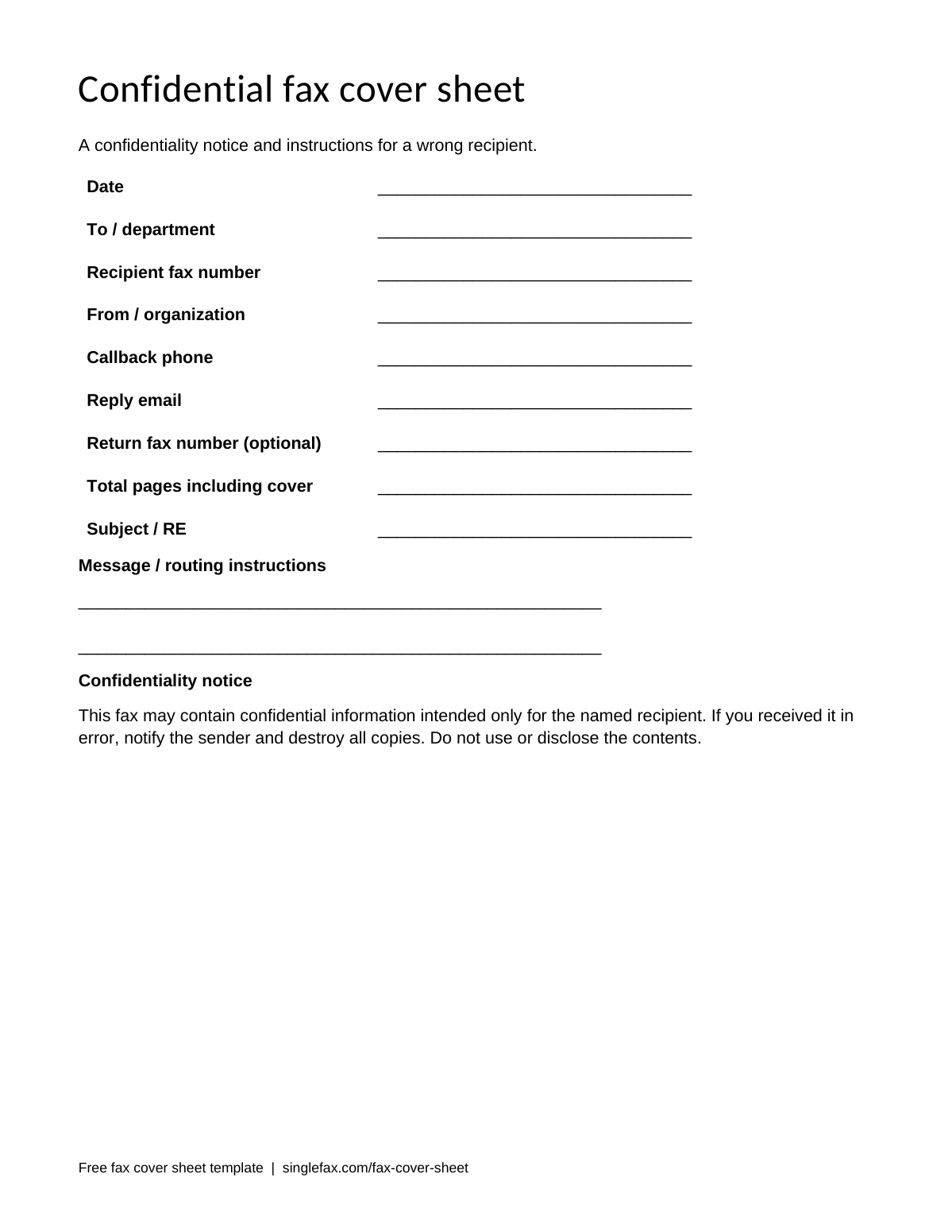
Confidential fax cover sheet
A confidentiality notice and instructions for a wrong recipient.
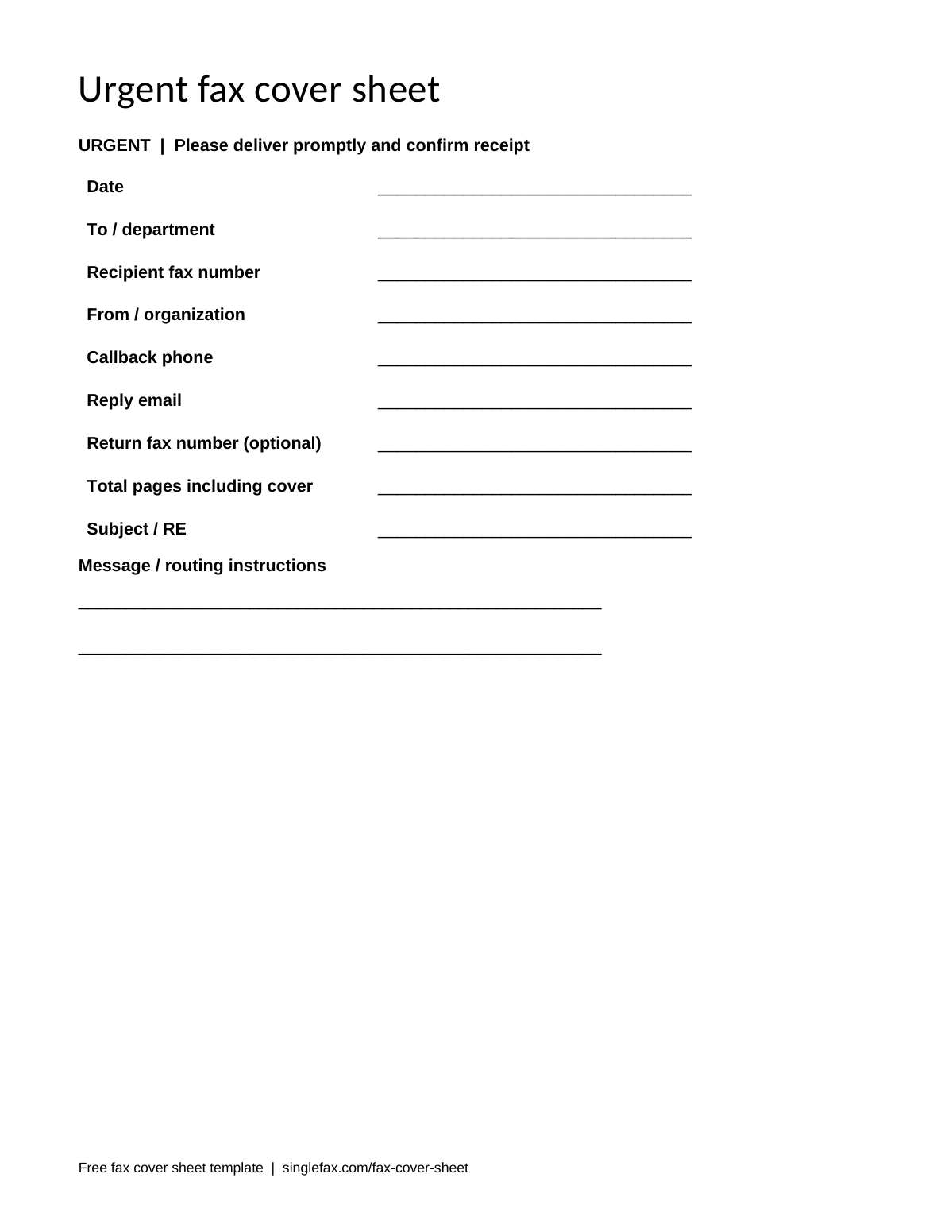
Urgent fax cover sheet
A prominent urgent heading and a request for a callback.
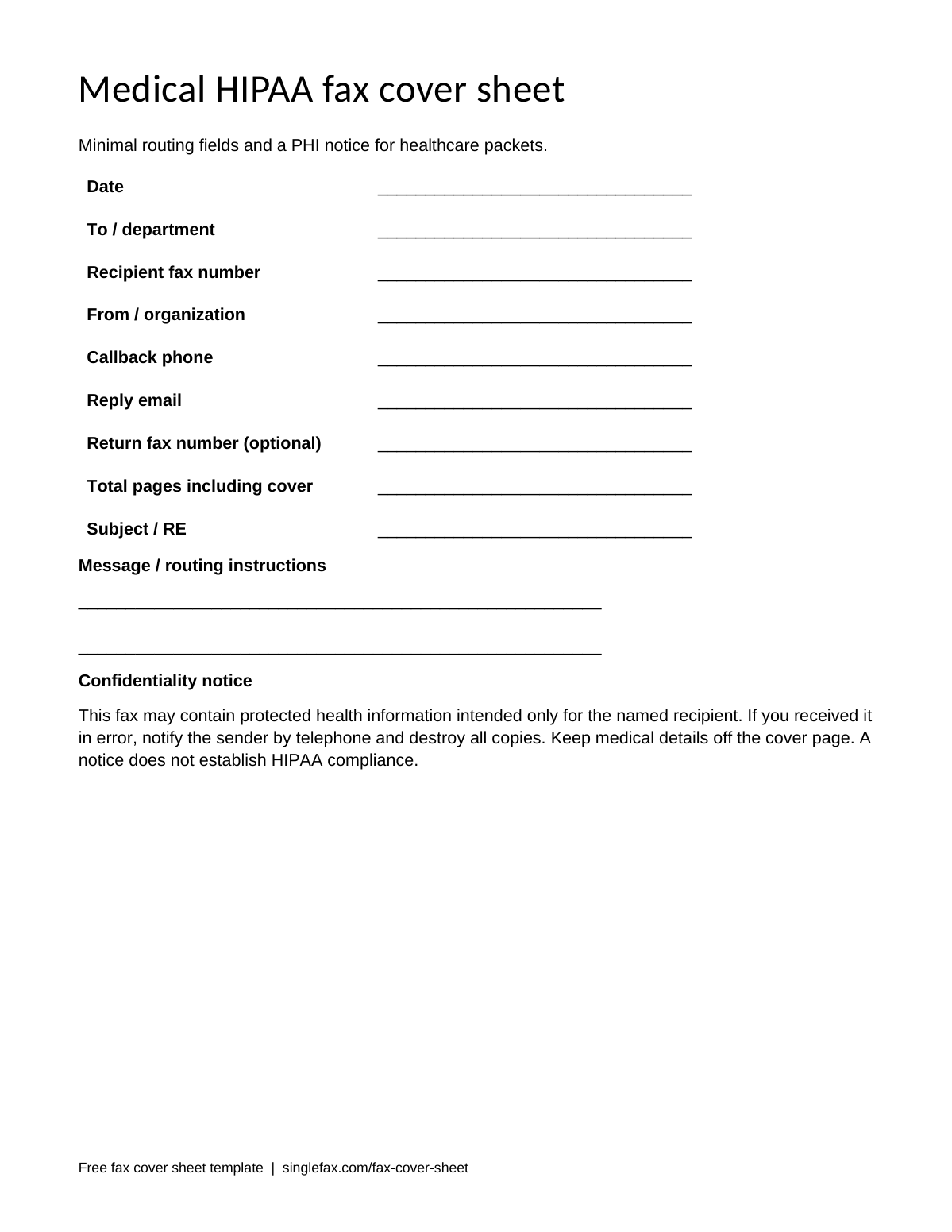
Medical and HIPAA fax cover sheet
Minimal routing fields and a PHI notice for healthcare packets.
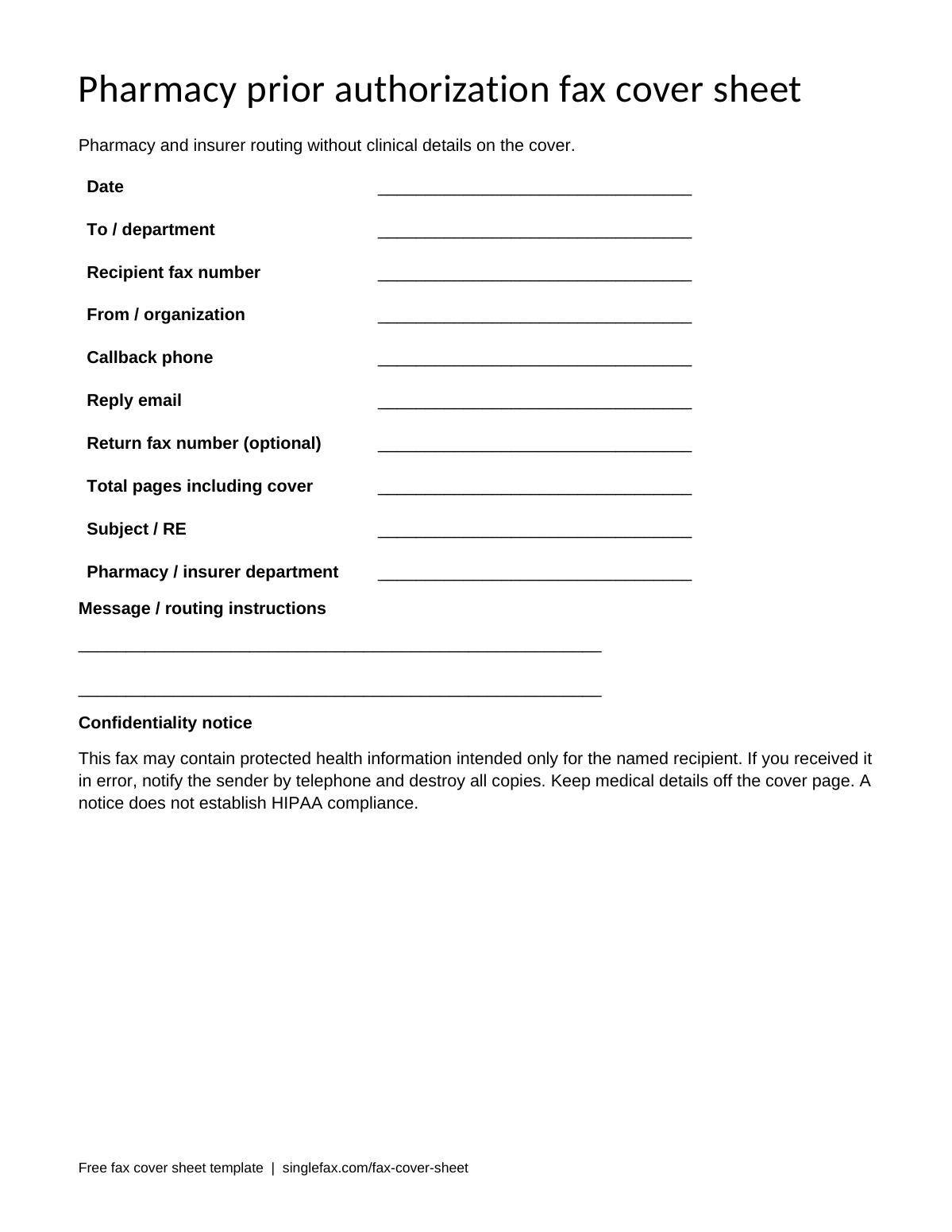
Pharmacy prior authorization fax cover sheet
Pharmacy and insurer routing without clinical details on the cover.
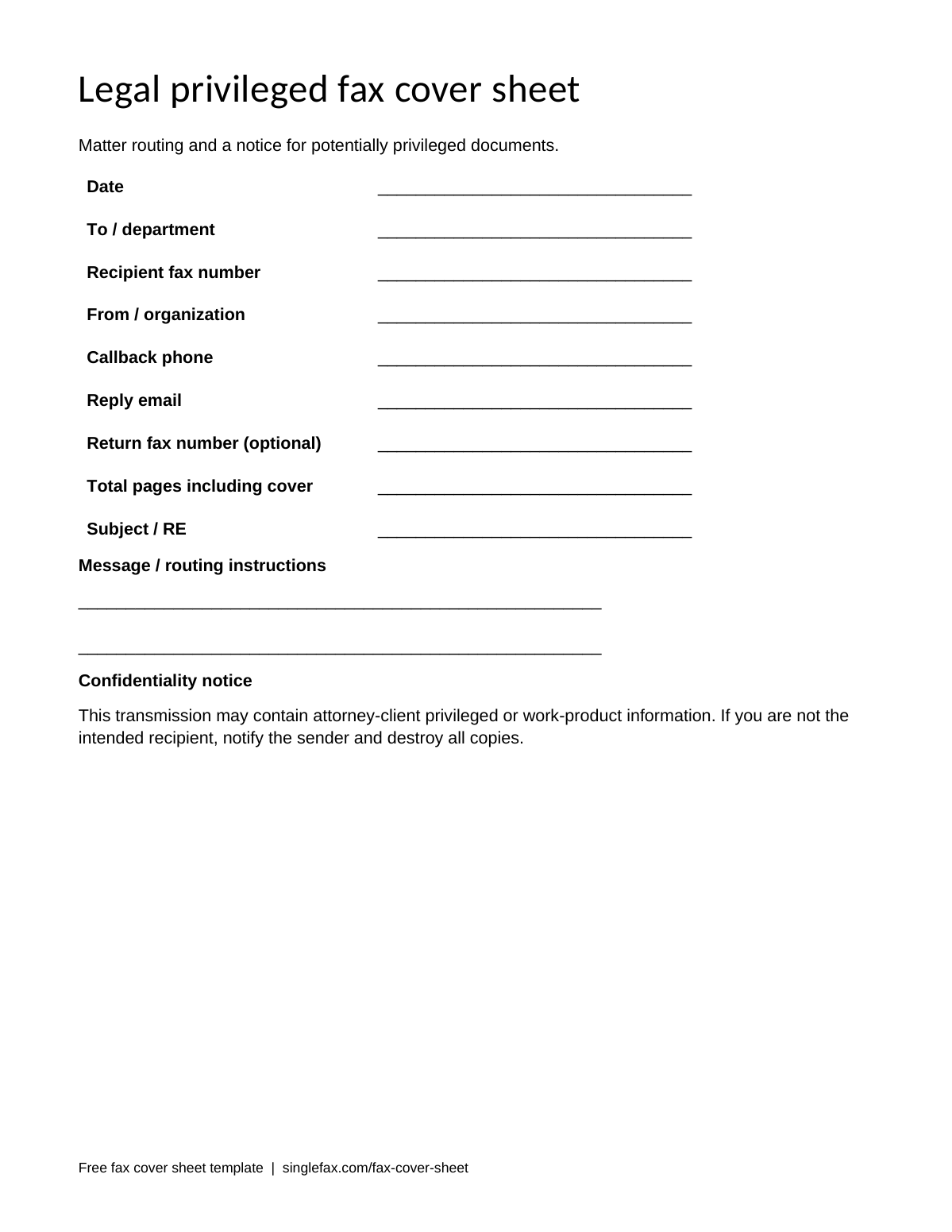
Legal and privileged fax cover sheet
Matter routing and a notice for potentially privileged documents.
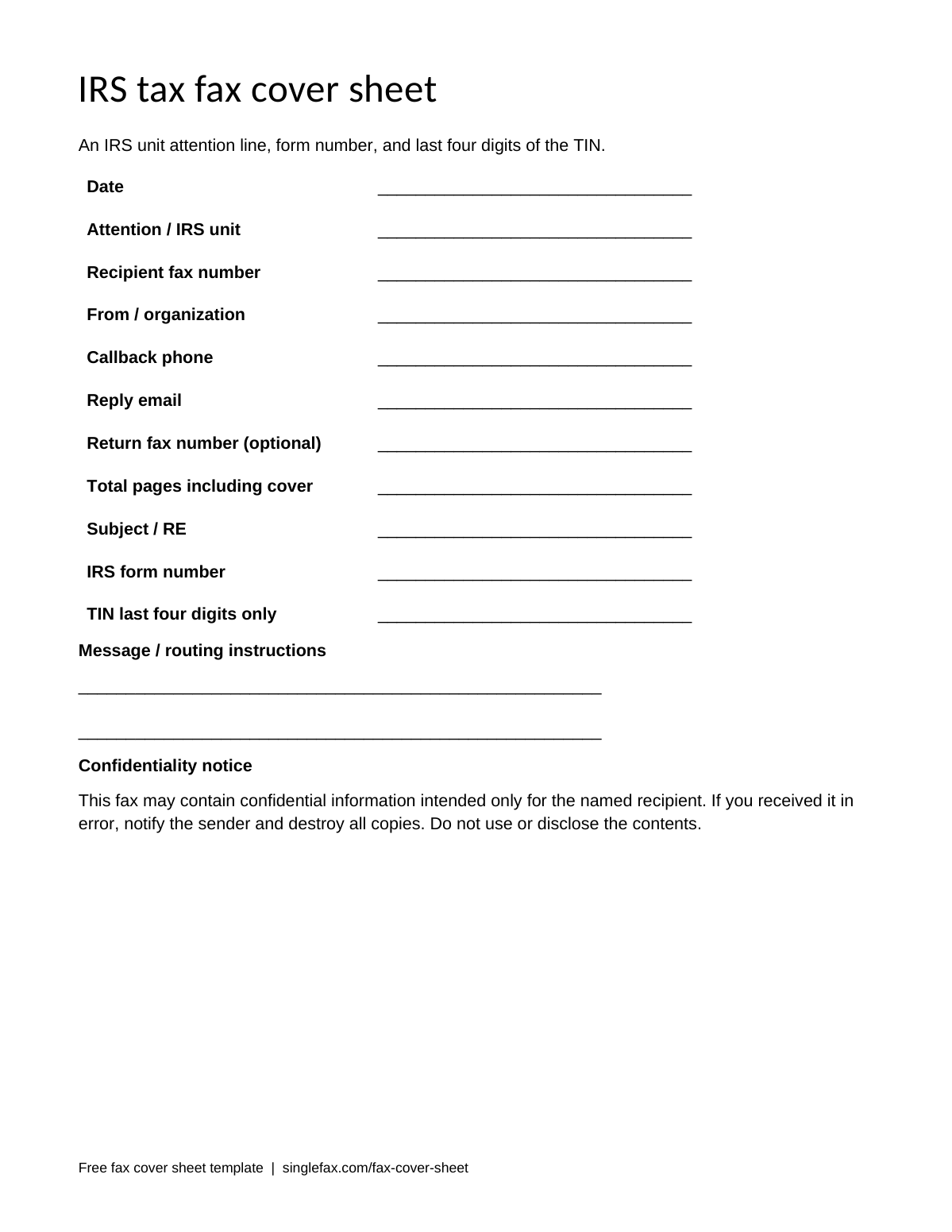
IRS and tax fax cover sheet
An IRS unit attention line, form number, and last four digits of the TIN.
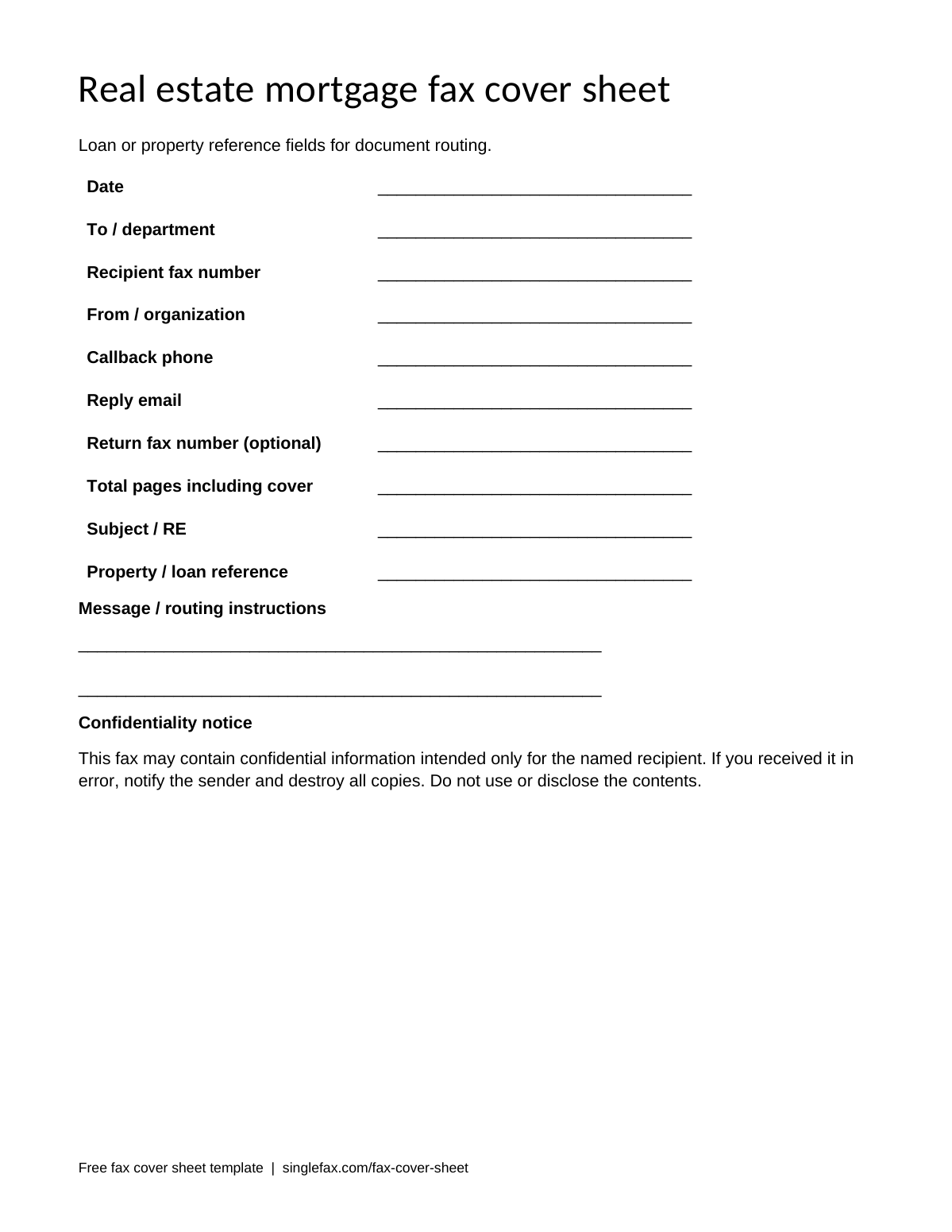
Real estate and mortgage fax cover sheet
Loan or property reference fields for document routing.
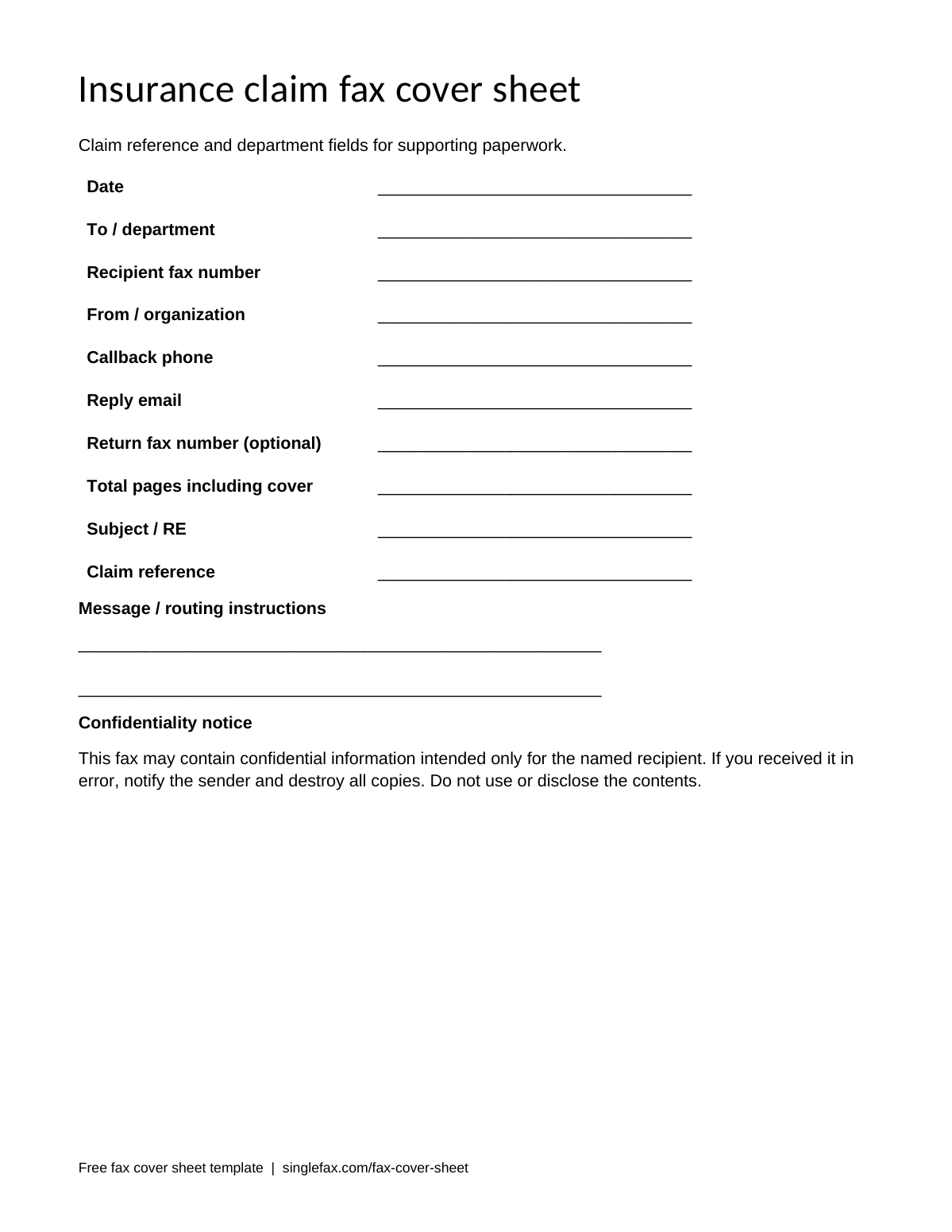
Insurance claim fax cover sheet
Claim reference and department fields for supporting paperwork.
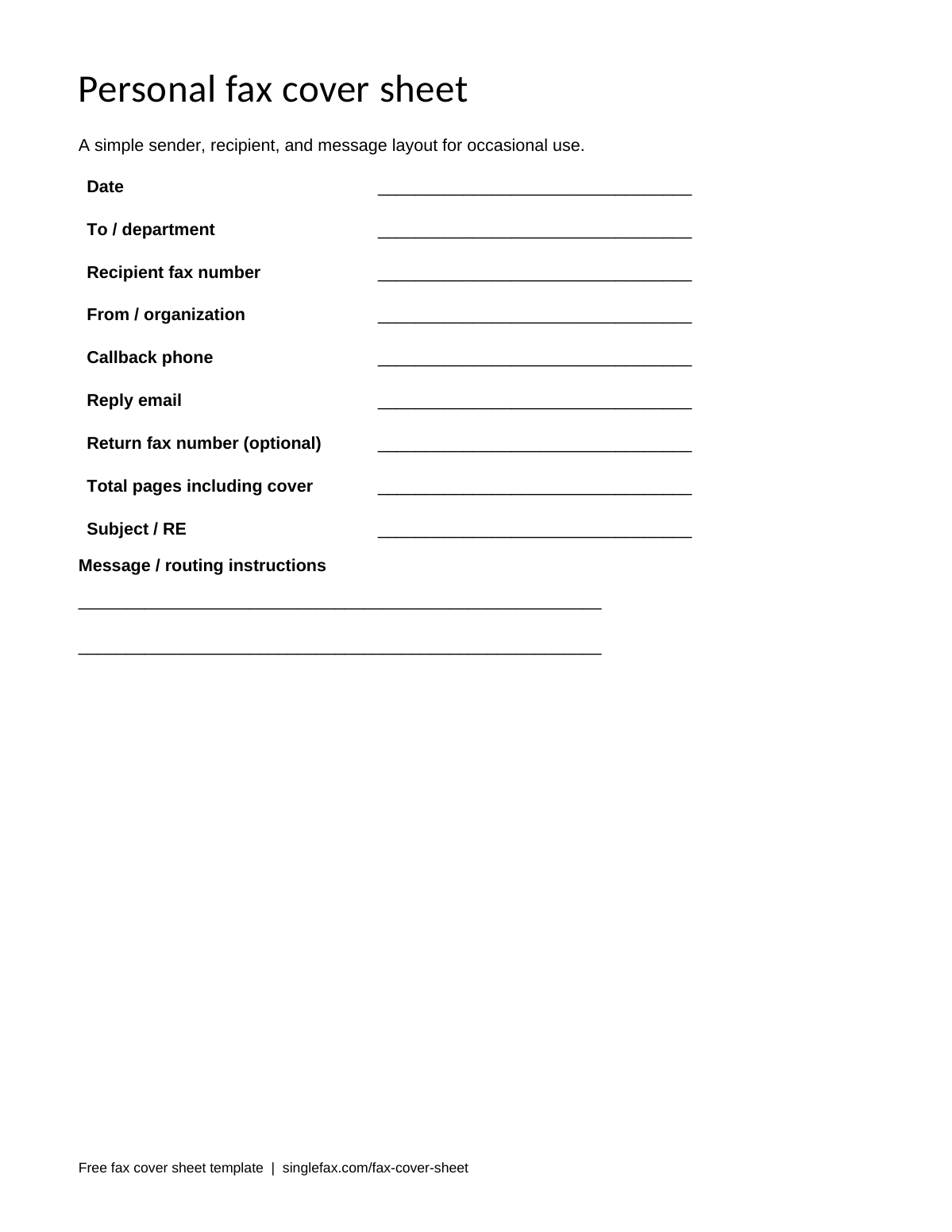
Personal fax cover sheet
A simple sender, recipient, and message layout for occasional use.
Keep an unchanged copy of the download as your master. When you prepare a real fax, save a new document with the recipient and date in the filename. This makes it easier to distinguish a completed cover from the blank template and reduces accidental reuse of an old destination.
Browse the full template gallery and filled samples, or make a cover online if you do not need Word-specific formatting. The generator works in a browser and can prepend a cover to an existing PDF.
Where to find a fax cover sheet template in Microsoft Word
Word for Windows
Open File → New and use the online template search for “fax.” Pick a suitable result and review its fields before using it. Microsoft's catalog can change, and a particular fax design may not appear in every Word version or organization. Downloading a .docx from this page is an alternative when the search is unavailable.
Word for Mac
Microsoft's current template instructions, checked 8 October 2026, use File → New from Template on Mac. Search the template gallery for “fax.” Open the result, change the sender and recipient information, and save a new document.
Word on the web
Use Microsoft's online Word template catalog, or upload a downloaded .docx and open it in Word on the web. Review the imported layout because fonts and editing features can differ from desktop Word. A template's “cover page” label can also refer to a report or essay title page; make sure your document has fax-routing fields.
Catalog availability and menu labels can vary with your Word version, language, or work account. The downloaded files do not depend on a particular Microsoft gallery entry. They can also be edited in compatible word processors, including LibreOffice and Google Docs.
Customize a Word fax cover sheet
Start with the routing information. Replace the blank recipient name, department, destination fax number, and sender details. Add a callback contact you monitor. The recipient may need to report an unreadable page, and that contact is often more useful than a decorative logo.
Use a short subject such as “Signed authorization” or “Supporting claim documents.” Keep diagnoses, full Social Security numbers, bank details, and long explanations in the attached paperwork. Include identifiers on the cover only when the recipient needs them for routing.
To add a logo, place it in the designated space or a separate paragraph above the table. Keep it small and high contrast. Use an inline image so it moves predictably with the text. Inspect the page after adding it; a large logo can push the confidentiality notice onto a second page.
The download uses ordinary text and table cells. You can select each blank line and type its value. For a reusable office form, Word desktop also supports content controls, such as date fields and text entry areas. Those controls are useful for a team master, but a plain document is sufficient for an occasional fax.
Save your reusable version as a .dotx when you want Word to create a fresh document from it each time. Microsoft documents template saving separately for Windows and Mac. Keep only static sender details in the master; recipient, date, subject, and page total should be filled afresh for each packet. You do not need macros for a fax cover sheet.
Build a fax cover sheet from scratch in Word
A two-column table keeps the labels aligned and leaves room to type or write the answers. These six steps create a simple one-page layout:
- Set up the page. Use Letter or A4 to match the receiving workflow, readable black text, and margins of at least half an inch. Start with an 11- or 12-point plain font.
- Add a clear heading. “Fax cover sheet” is sufficient. Add a small logo if it helps identify the sender, but leave space for the routing fields.
- Insert a two-column table. Put labels in the left column and answers in the right. Include recipient, fax number, sender, callback phone or email, date, page total, and subject.
- Add a message area. Leave two or three lines for routing instructions. Avoid putting the full document's contents on the cover.
- Add a notice when appropriate. Use a short confidentiality paragraph beneath the table. Keep it readable and avoid very small footer text.
- Export and inspect a PDF. Confirm that it is one page, all values are visible, and the destination number matches the recipient's instructions. Save the editable master separately.
Use a slightly wider answer column so department names and contact details fit. Avoid fixed row heights that clip text. If a long value wraps, check whether it remains readable and whether the document still fits on a single page. Remove unused labels rather than filling the cover with unnecessary details.
A fax cover sheet is a routing page, not an essay cover or letterhead. The destination fax number and callback contact should be easy to find. A complicated design with pale backgrounds can lose detail during fax transmission.
HIPAA and confidential versions in Word
A general notice can read: “This fax is intended only for the named recipient and may contain confidential information. If you received it in error, notify the sender and destroy all copies. Do not use or disclose the contents.”
For medical packets, the notice can identify possible protected health information without describing the patient's condition. Keep clinical detail on the attached form. A covered entity still needs an appropriate fax service, a business associate agreement where required, verified routing, and its own safeguards. The wording on the cover does not establish compliance.
For legal documents, the notice can say the transmission may contain attorney-client privileged or work-product information. Whether a particular document is protected depends on the actual circumstances. A cover label does not replace court rules, filing requirements, or valid service.
The medical and legal templates provide editable notice text. For a covered entity's patient-record workflow, review HIPAA Secure fax and the BAA and compliance information before sending.
Save as PDF before you fax
A PDF helps preserve the layout you inspected, including table widths, font spacing, page breaks, and the placement of your logo. It is useful when the receiving office will print the fax or when your packet combines documents from several apps.
On Windows, Word's PDF export is available through File → Export or the PDF option under Save As. On Mac, choose File → Save As, select PDF as the format, and save or export using the button shown by your version. Microsoft's PDF instructions describe the platform-specific options.
Open the resulting PDF before uploading. Confirm the total pages, check that long names and email addresses fit, and make sure no blank page was added. Zoom in on the fax number and subject. If the packet requires a handwritten signature, check the recipient's signature rules and scan the signed document clearly.
Keep the original .docx too. The PDF is the sending copy; the editable Word file is useful when you need to correct a field or reuse the design. Converting a PDF back to Word can change the layout and is unnecessary if you retain the original.
Word template, PDF, or online generator?
| Option | Choose it when | Main advantage | Check before sending |
|---|---|---|---|
| Word .docx | You want a logo or reusable sender details | Editable fields and familiar formatting | Export and inspect page breaks |
| Printable PDF | You want to write by hand | Predictable printed layout | Inspect the scan for faint or cropped writing |
| Google Docs | Your team works in Drive | A private shared master and online editing | Inspect the downloaded PDF |
| Online generator | You need one cover quickly | Browser preview and PDF prepend | Check the full packet and destination |
Word is useful for maintaining a house style. The free generator is convenient for a one-time fax and avoids installing an editor. Both approaches can produce a clear cover when you verify the destination and keep the fields minimal.
Send your Word cover sheet with your fax
SingleFax accepts Word uploads, so you can upload the .docx directly and check the converted preview. Exporting the cover as a PDF first gives you an additional chance to inspect the layout. Put the cover first in the packet and avoid adding a second cover in the composer if it is already included.
If you want a cover excluded from billed pages, upload the original document and create the cover in the send composer. A cover already merged into an uploaded file is part of that document's page count. The page total on the cover should still include the cover because the recipient uses it to check completeness.
Send a fax from $0.99 for up to 10 document pages. SingleFax costs $0 if delivery fails; the bank may take time to release a pending authorization. Save the transmission confirmation with your completed packet.
You can also attach the files to an email addressed to send@fax.delivery with the fax number in the subject. Read the email-to-fax instructions for attachment limits and payment. Successful transmission is evidence of fax delivery, rather than proof of legal filing, agency acceptance, or a specific person's review.