Free Fax Cover Sheet Templates and Samples
 Mircea Rilă
Download PDF or Word, or fill the cover online.
Choose a free printable fax cover sheet template below: download a PDF to print or a Word file to edit. Each fax cover page template keeps the sender, recipient and page count on one clear routing page.
Jump to the template gallery, filled samples, format comparison, or copy-ready messages. The files are one-page US Letter documents, with high-contrast text and enough space to fill by hand.
Make the cover for free: Fill the fax cover-sheet generator and download its PDF. Creating a cover does not transmit the document; ordinary sending has a separate quote.
For the editing workflow, use the free Word template guide, Google Docs cover guide or field-by-field filling guide. For clinical packets, read the HIPAA cover guidance before adding a confidentiality notice, or fill a HIPAA/confidential fax cover sheet online.
Free printable fax cover sheet templates
Choose the purpose first, then the file format. Each preview opens the printable PDF. The Word download contains editable text and table cells; it is a real .docx document. “Fill online” opens the generator with the corresponding purpose and notice selected.
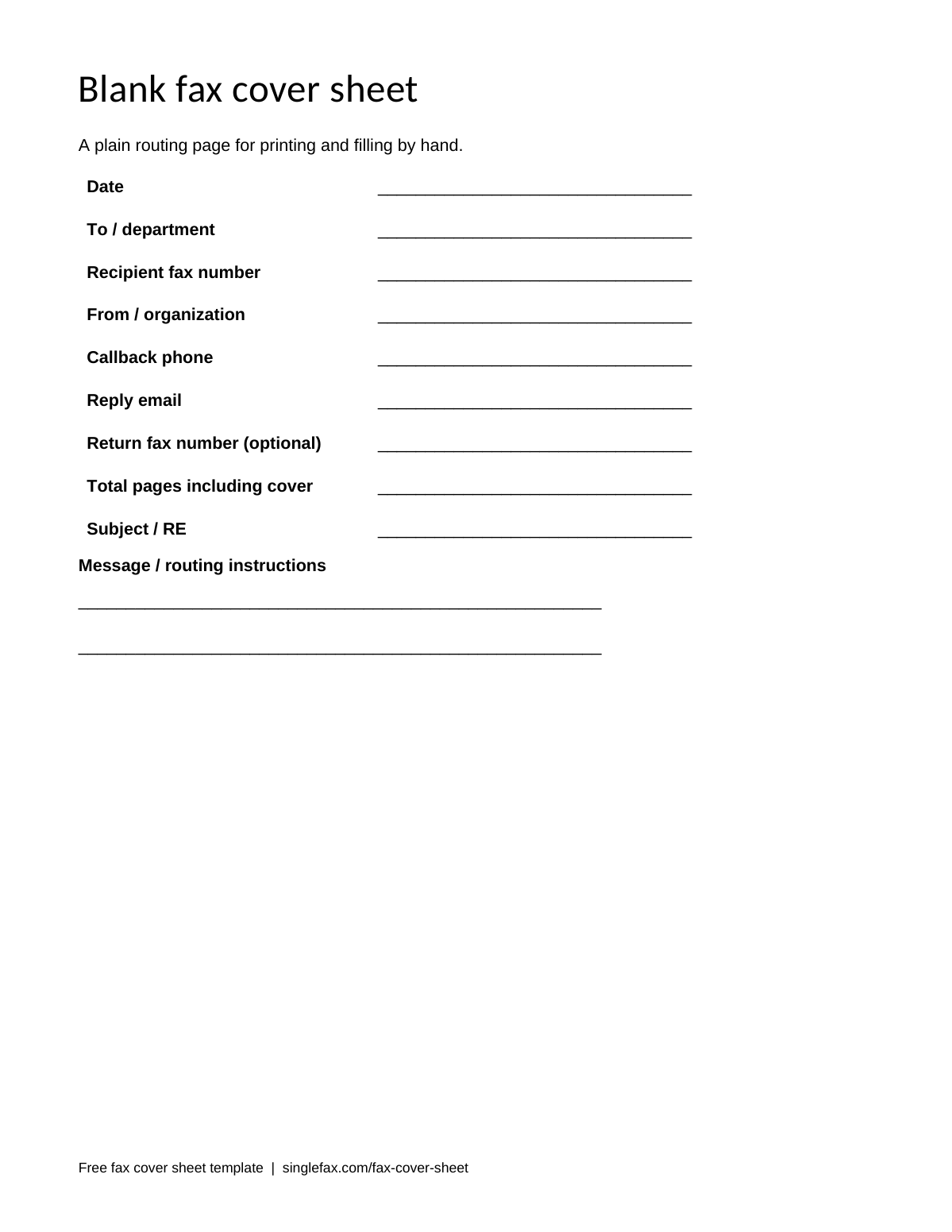
Blank fax cover sheet
A plain routing page for printing and filling by hand.
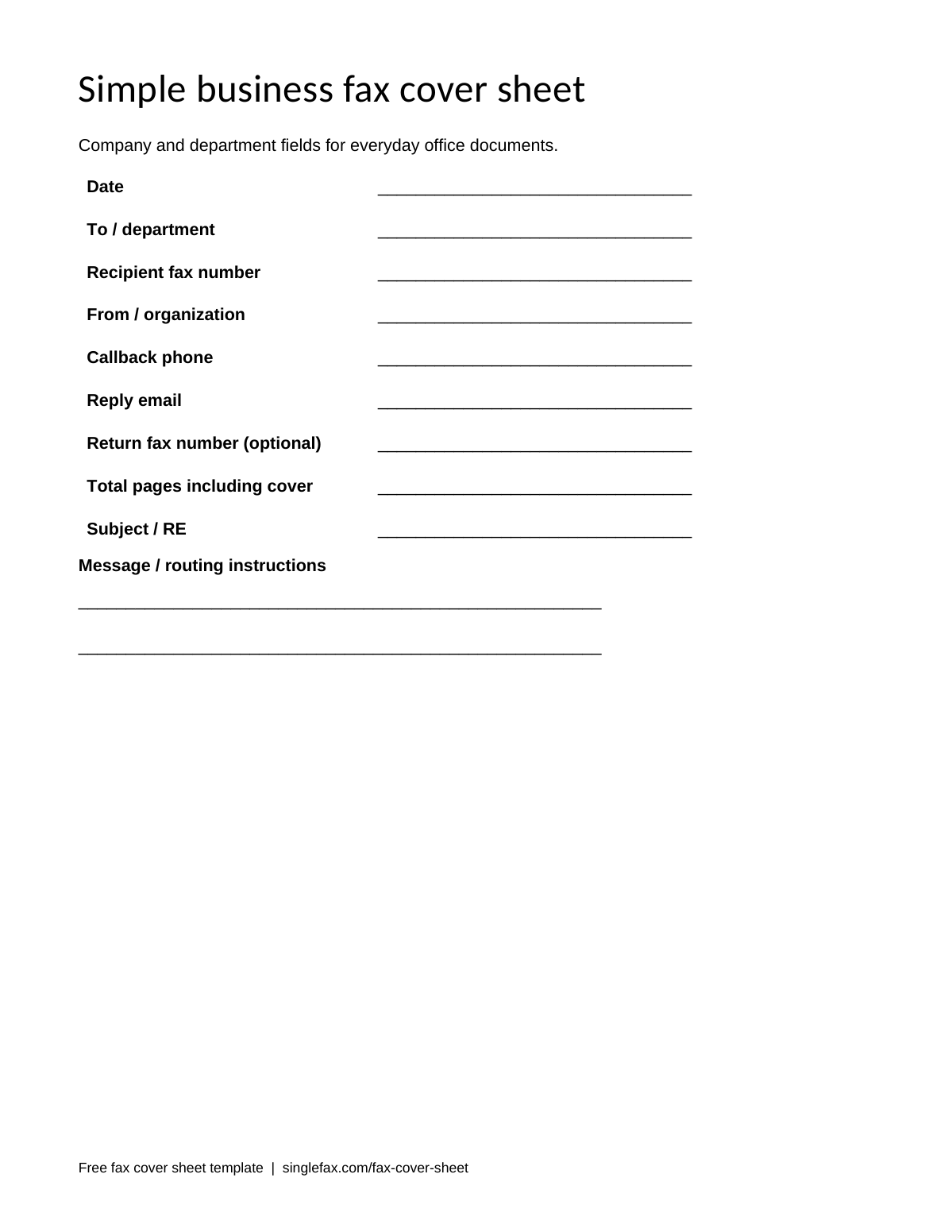
Simple business fax cover sheet
Company and department fields for everyday office documents.
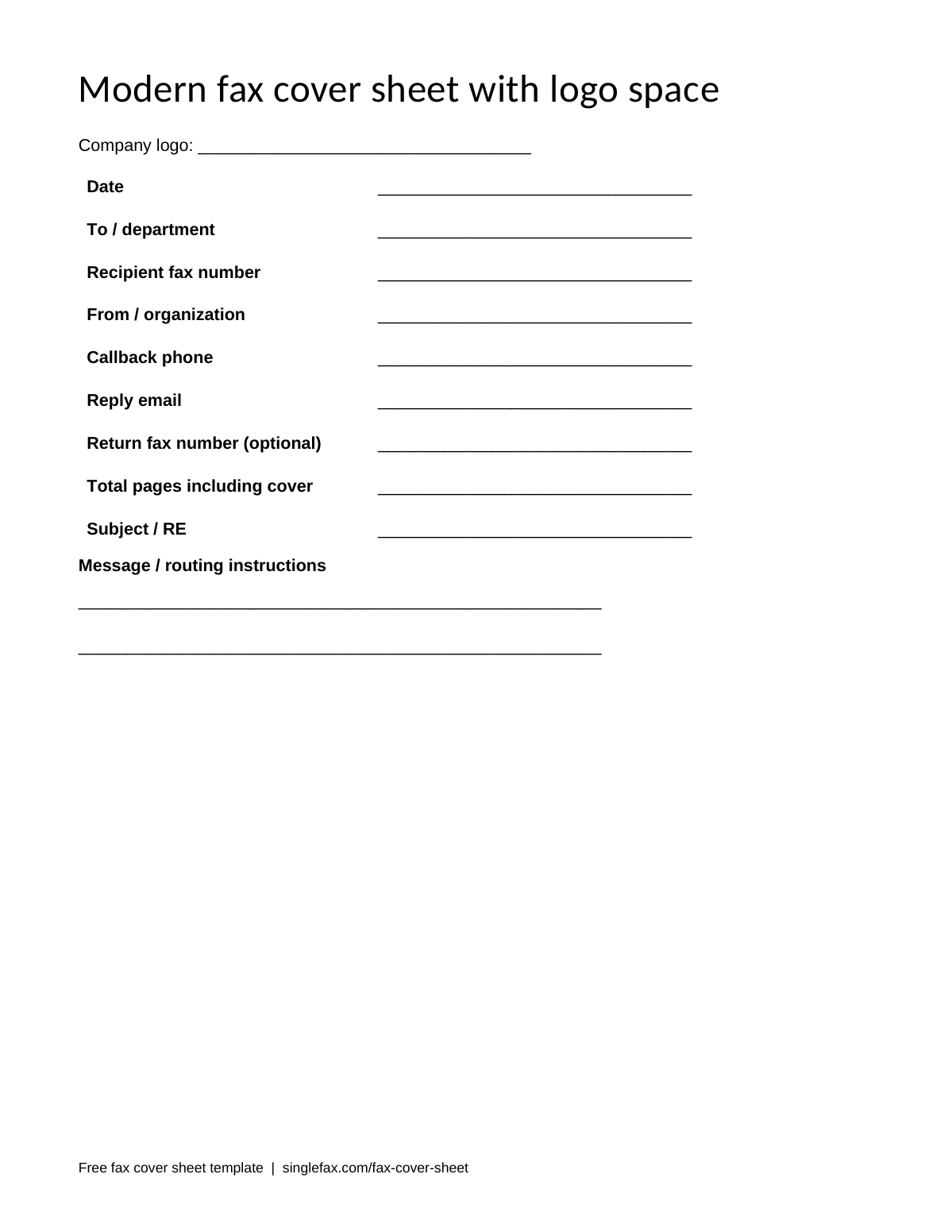
Modern fax cover sheet with logo space
A clean heading with room for your own company logo.
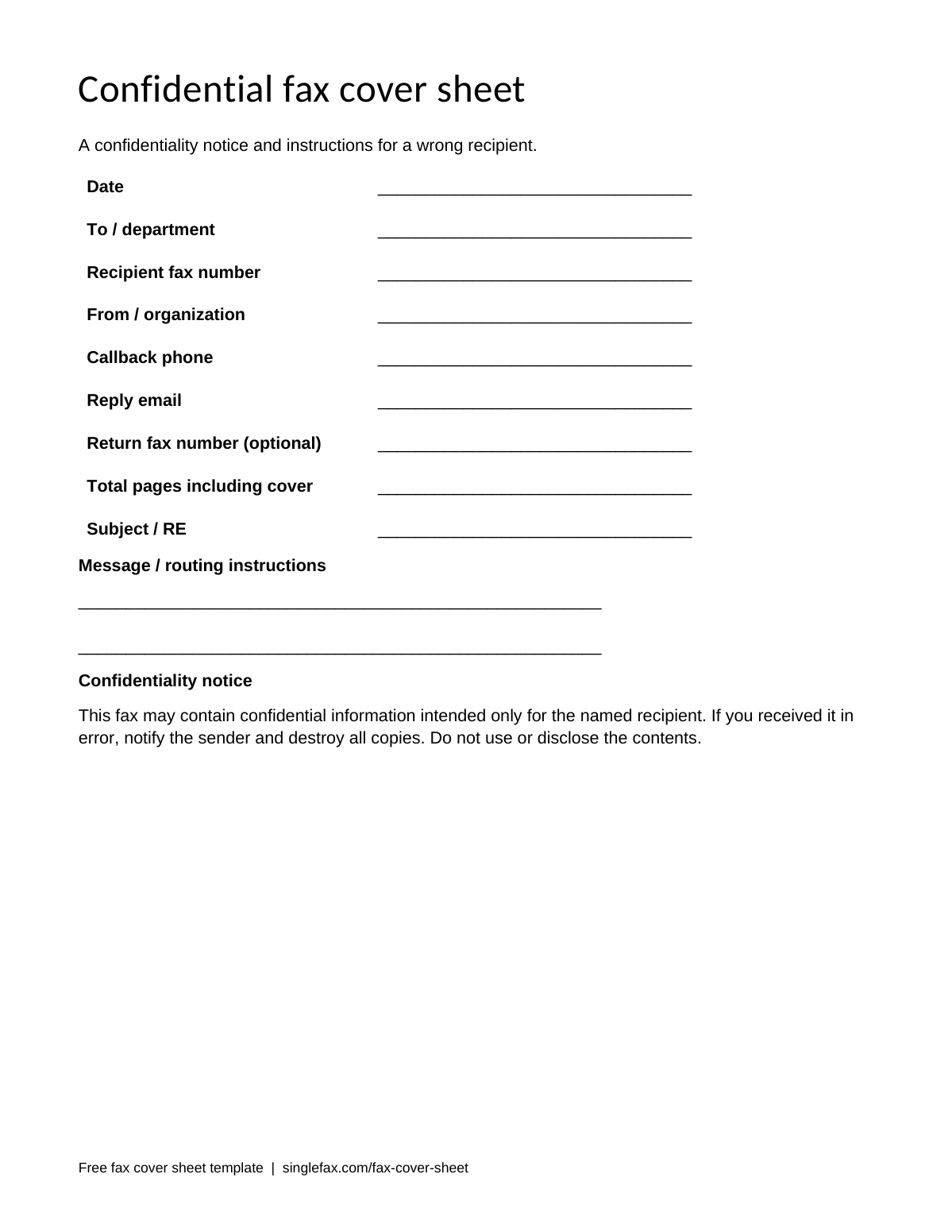
Confidential fax cover sheet
A confidentiality notice and instructions for a wrong recipient.
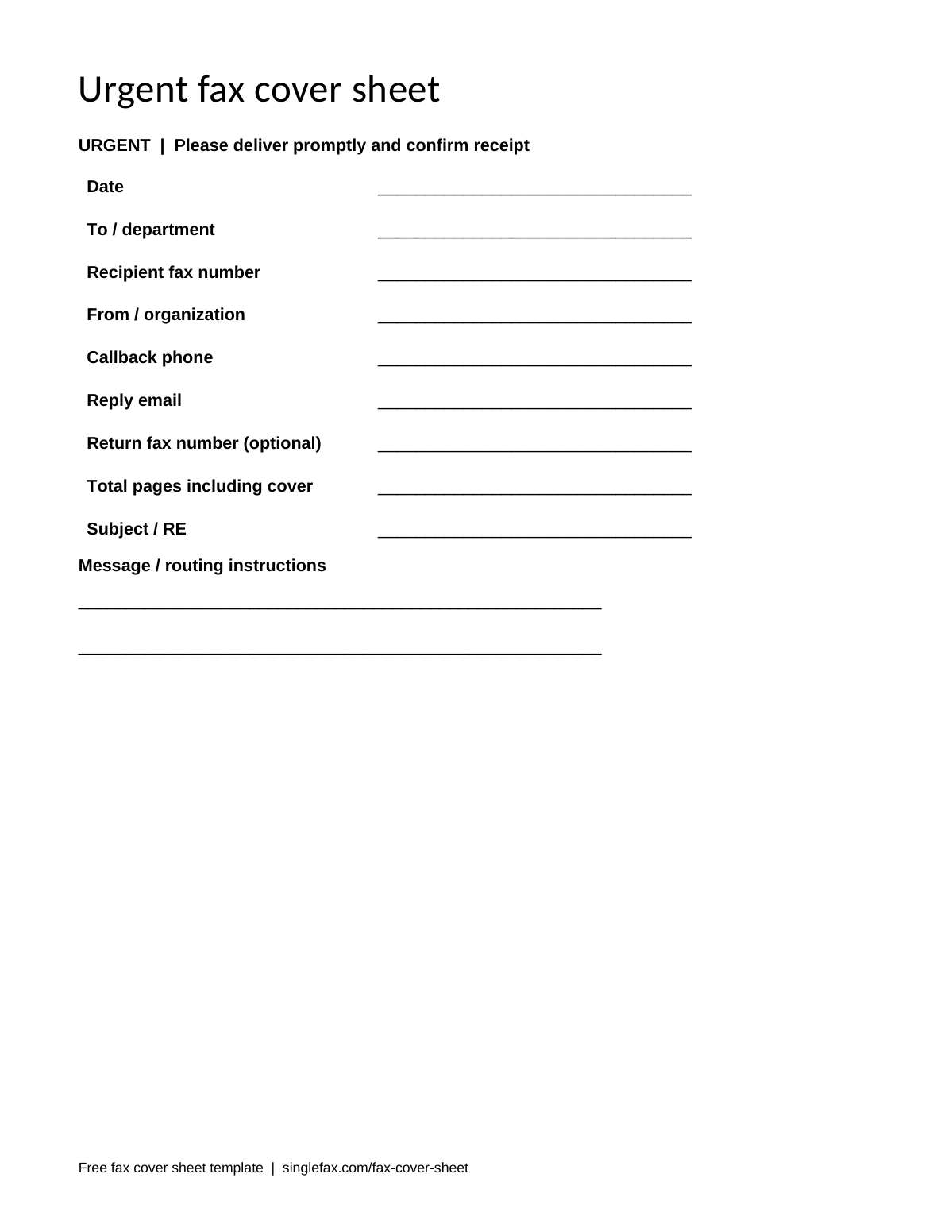
Urgent fax cover sheet
A prominent urgent heading and a request for a callback.
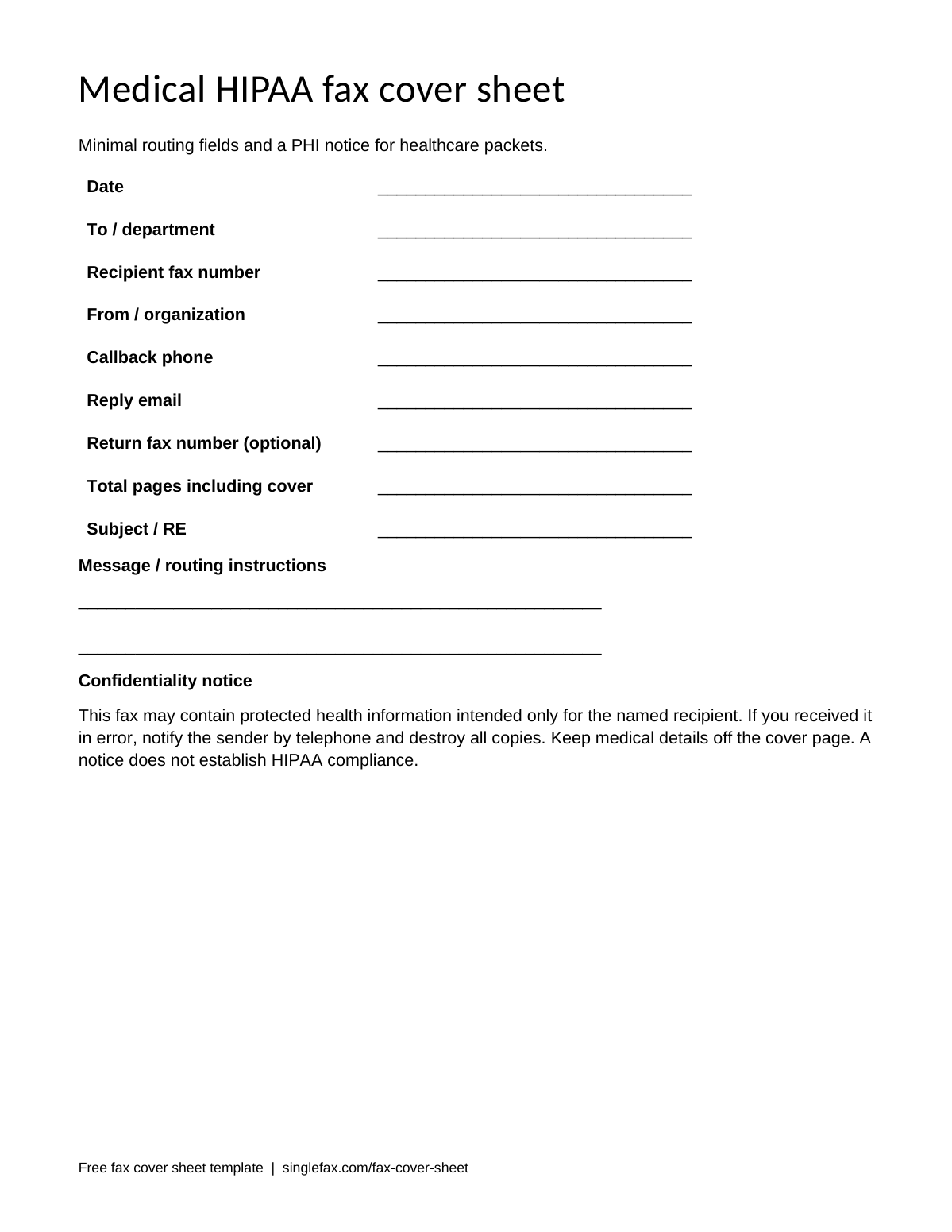
Medical and HIPAA fax cover sheet
Minimal routing fields and a PHI notice for healthcare packets.
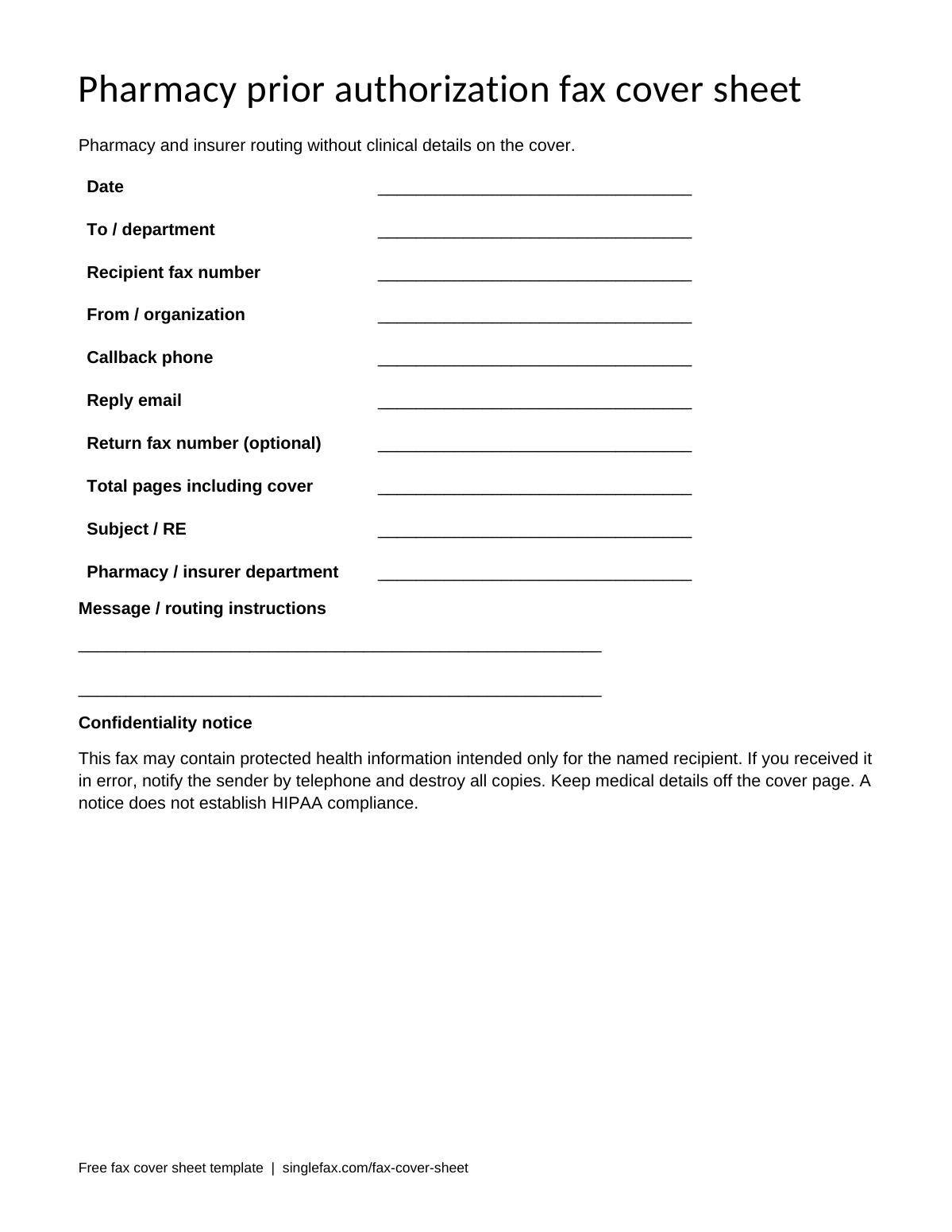
Pharmacy prior authorization fax cover sheet
Pharmacy and insurer routing without clinical details on the cover.
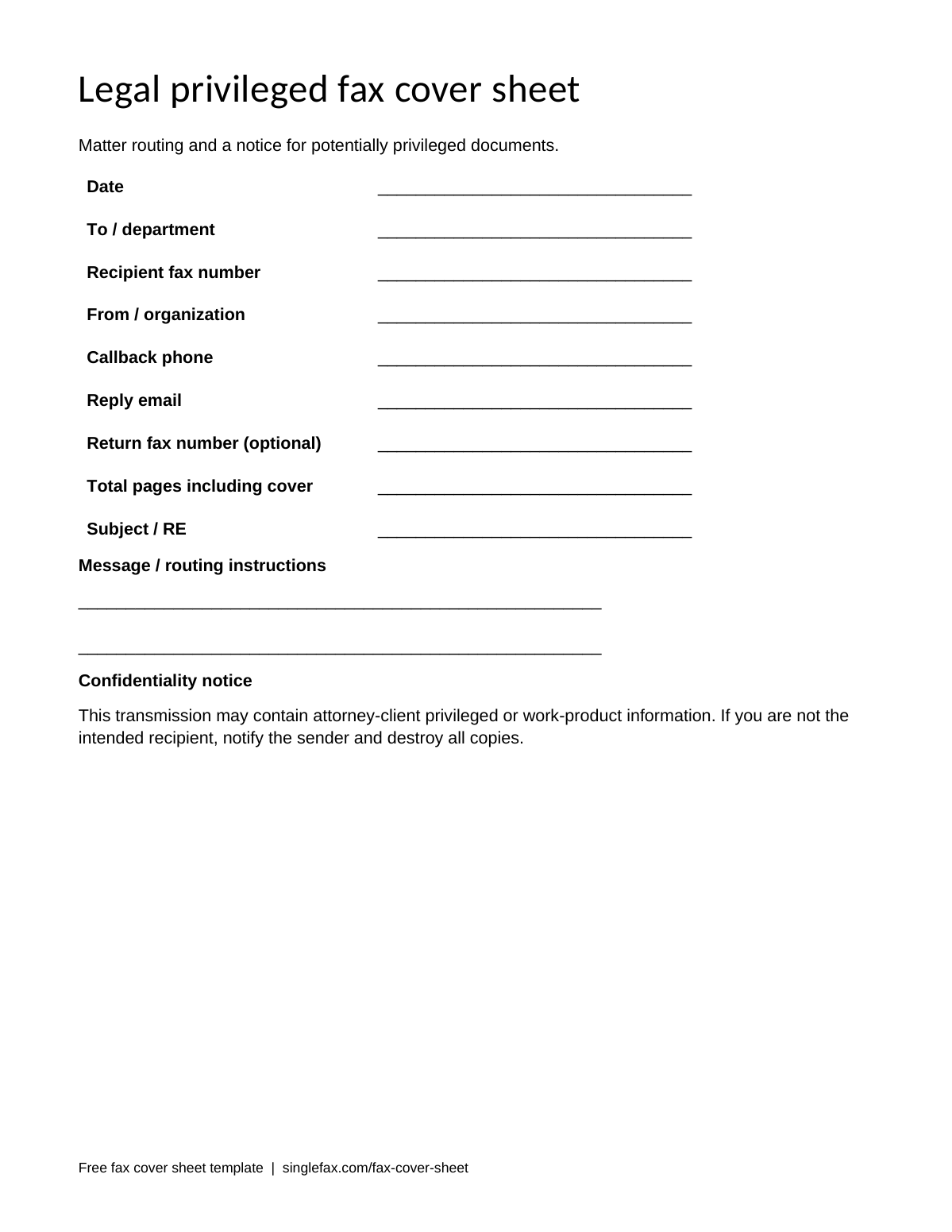
Legal and privileged fax cover sheet
Matter routing and a notice for potentially privileged documents.
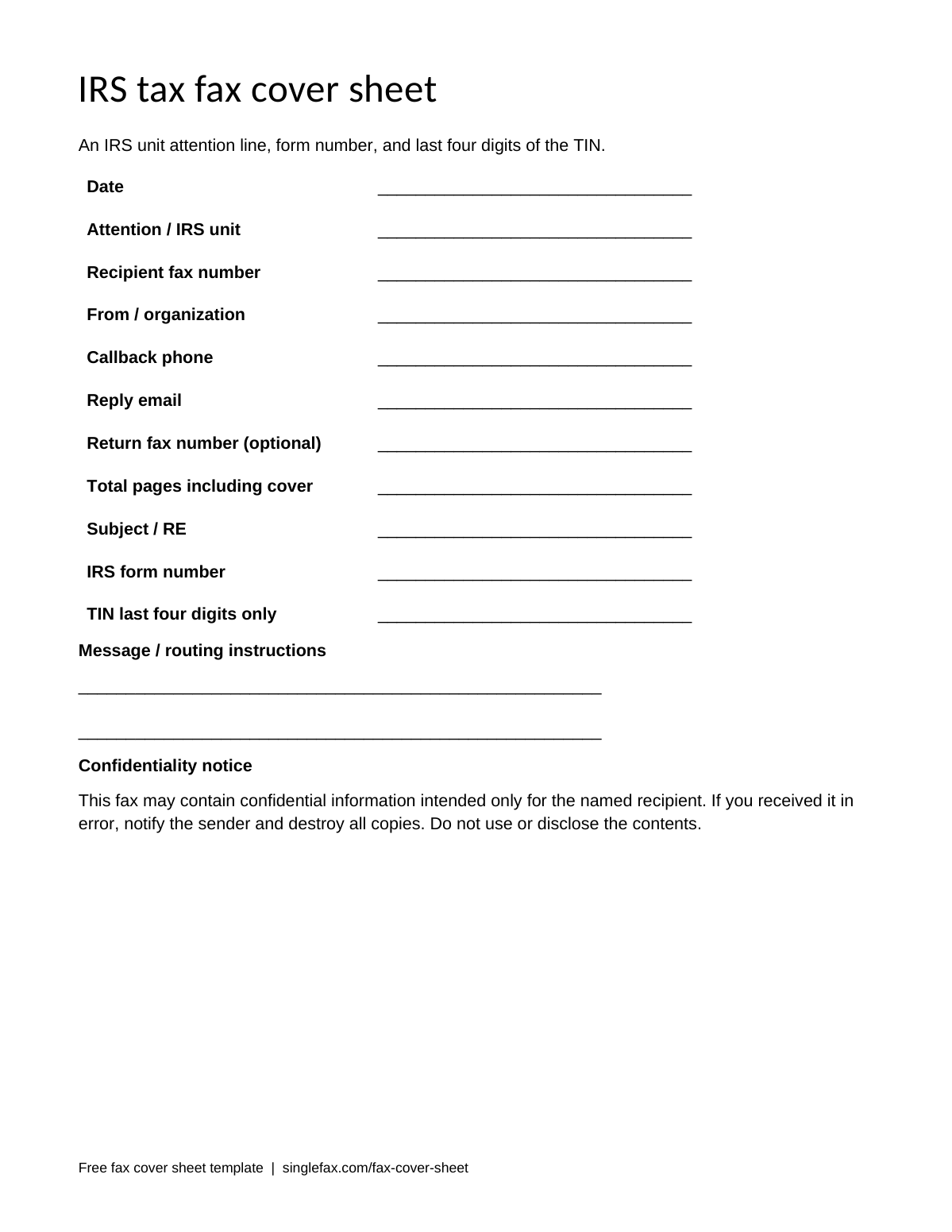
IRS and tax fax cover sheet
An IRS unit attention line, form number, and last four digits of the TIN.
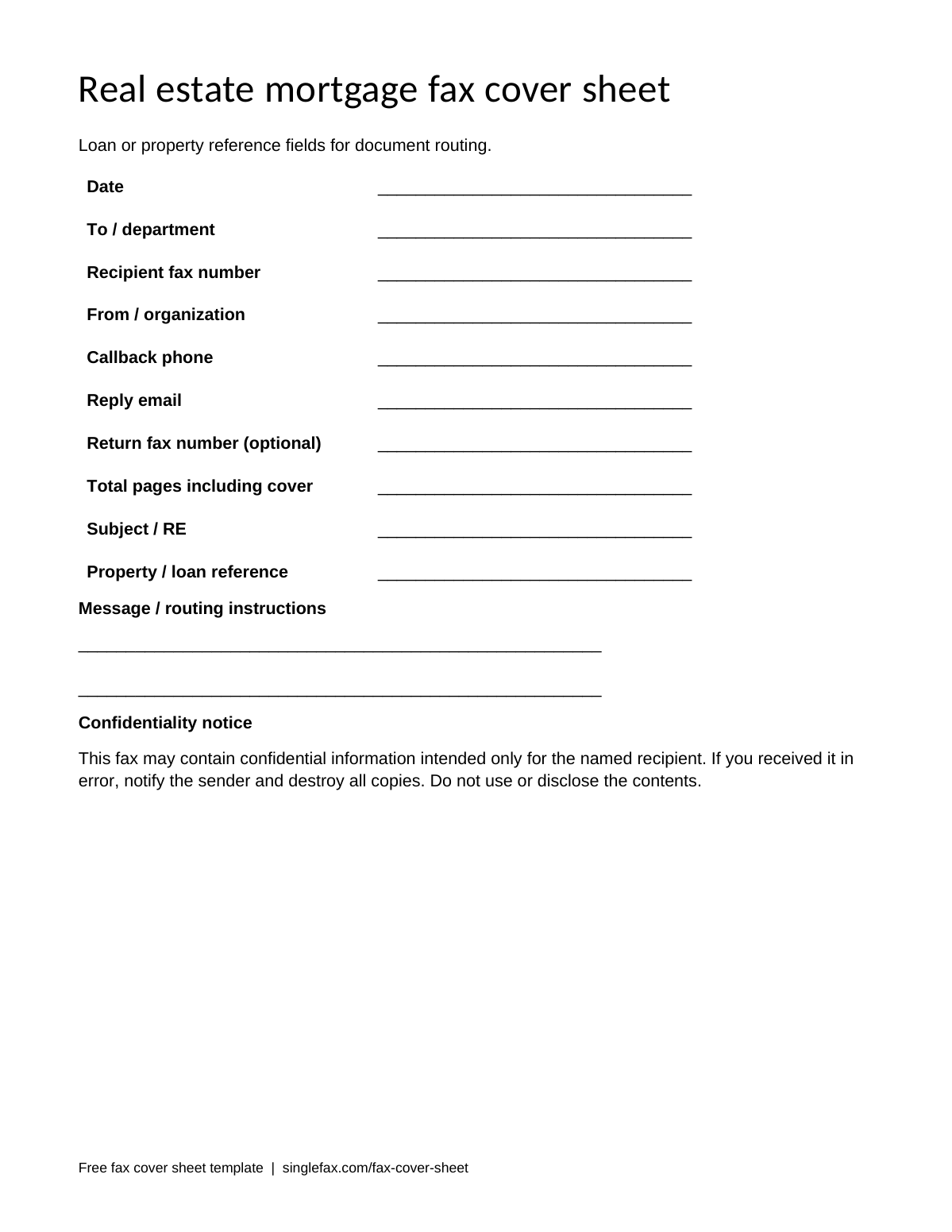
Real estate and mortgage fax cover sheet
Loan or property reference fields for document routing.
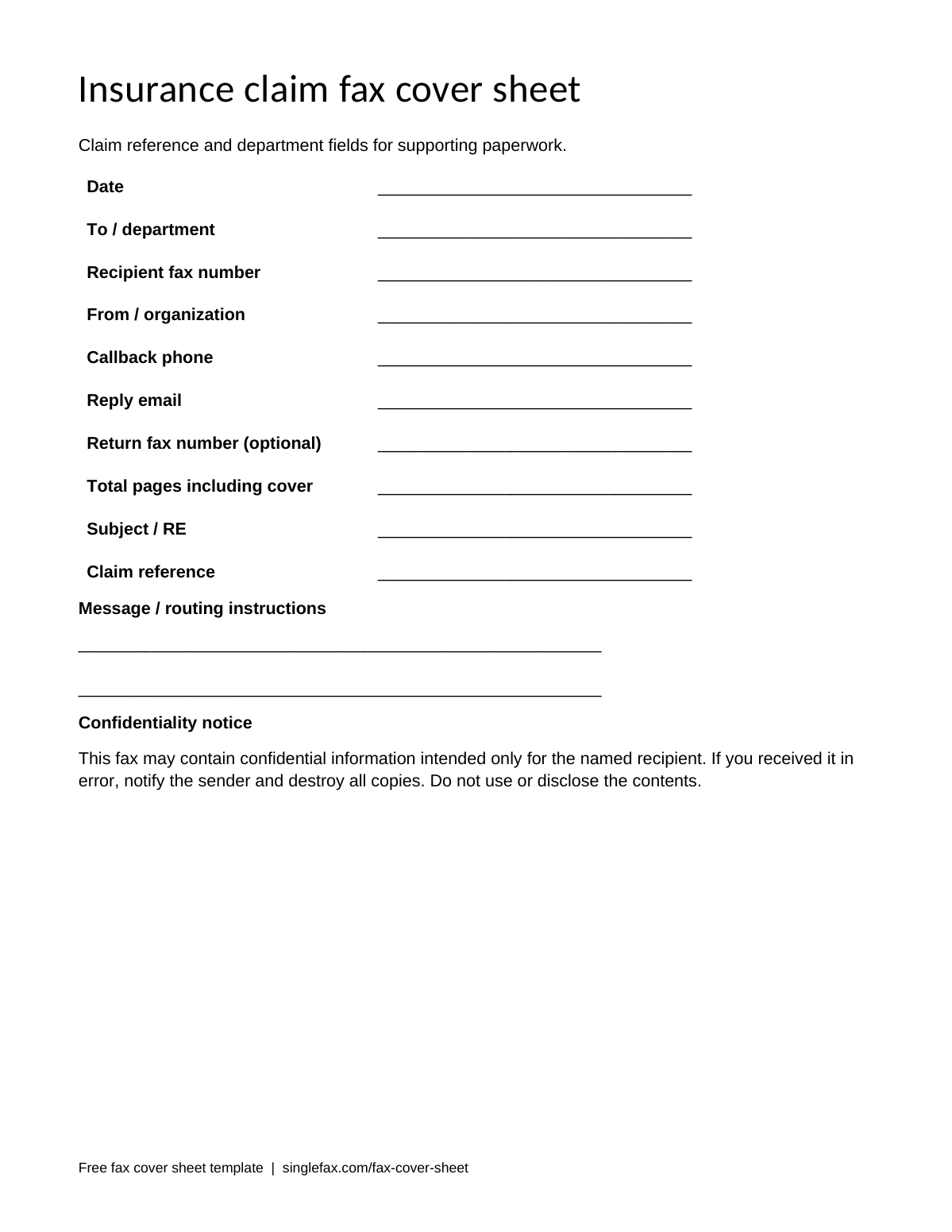
Insurance claim fax cover sheet
Claim reference and department fields for supporting paperwork.
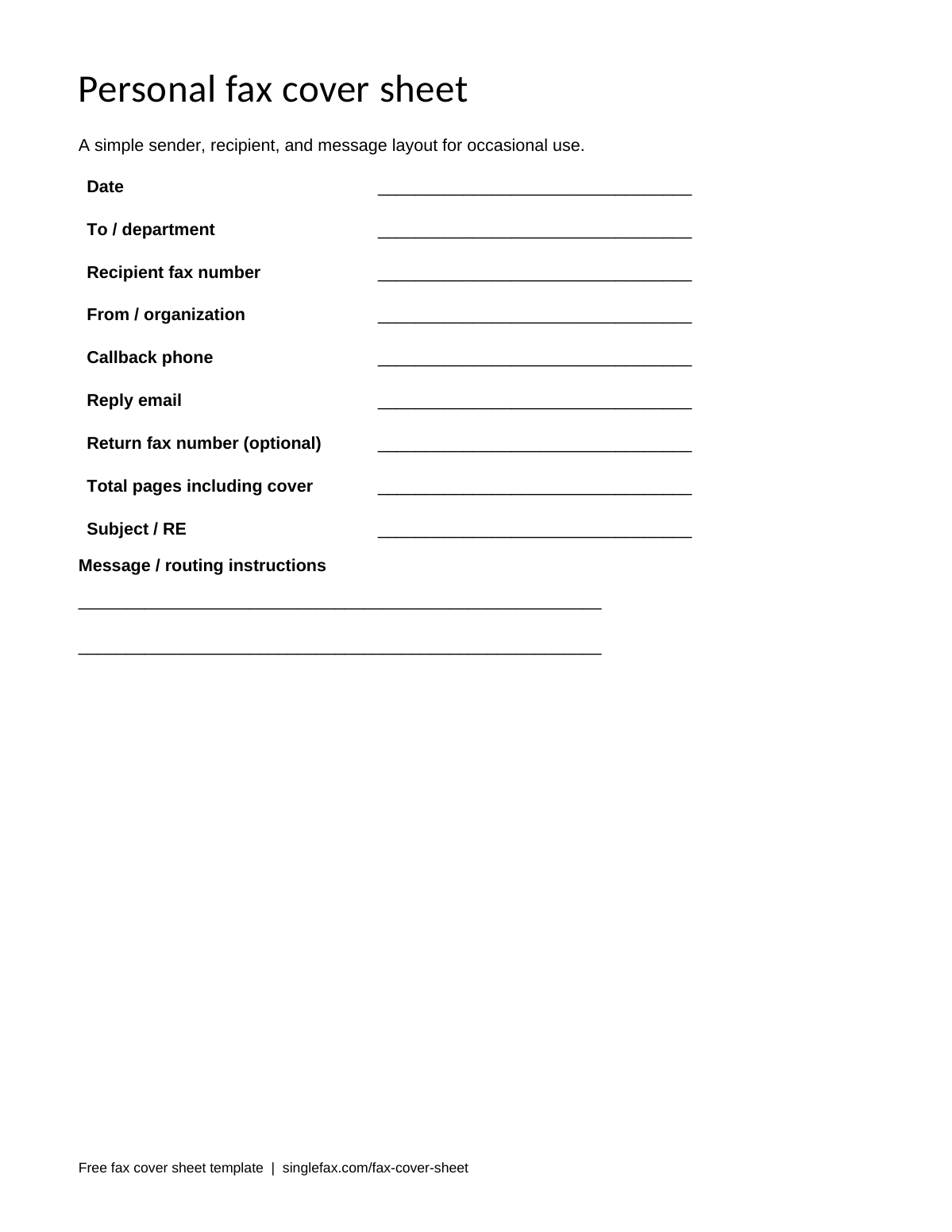
Personal fax cover sheet
A simple sender, recipient, and message layout for occasional use.
Blank
Use this for a short personal or business packet when you need a plain routing page. Print the PDF and write in the details, or replace the blank lines in Word. A return fax number is optional if the recipient does not need to fax anything back.
Simple business
This version emphasizes company and department information. Include both the recipient's organization and their department when the fax goes to a shared machine. A subject such as “Signed purchase order” is more useful than “Documents,” while remaining brief enough to scan quickly.
Modern with logo space
Use the logo area for a small, high-contrast company mark. Keep the sender and callback details in readable text, even when the logo contains them. A decorative logo should not be the only way staff can identify your organization. Check that inserting an image leaves the cover on one page.
Confidential
The confidential template includes instructions for someone who receives the fax by mistake. Use it for payroll, financial, or other private paperwork. The notice does not prevent a wrong-number transmission, so verify the number before sending and keep sensitive details off the routing page.
Urgent
The urgent template makes the request for prompt routing visible. Include a reachable callback contact and a specific request, such as “Please confirm receipt today.” Urgent wording does not change the recipient's processing schedule or create a guaranteed response deadline.
Medical and HIPAA
This template includes a PHI notice and a reminder to keep clinical detail behind the cover. Use only the identifying information the receiving office needs. A medical cover does not make a service HIPAA compliant; covered entities should use HIPAA Secure fax with a BAA and their own verification and access procedures.
Pharmacy and prior authorization
Use the extra pharmacy or insurer department field to route a packet to the correct team. Keep the diagnosis and treatment narrative on the attached form. If an insurer provides a required authorization cover or barcode, use that supplied page instead of substituting this generic template.
Legal and privileged
The legal template includes a notice for potentially privileged or work-product documents. Add the matter reference needed by the recipient and follow their filing instructions. A cover sheet does not establish privilege, legal service, or court acceptance; those depend on the document and applicable procedure.
IRS and tax
This version has an IRS unit attention line, form field, and space for only the last four digits of a TIN. Use the correct destination for the particular form. Form 2848 CAF routing and Form 2553 election routing use different state splits. The full taxpayer identification number belongs on the required IRS form.
Real estate and mortgage
Use the property or loan reference field to associate the packet with the transaction. Follow the lender's instructions for identifiers. Keep account information and financial details in the attachment, and confirm that the department accepts the type of document you are sending by fax.
Insurance claim
Add a claim reference when the receiving insurer needs it for routing. Identify the department and document purpose, such as “Supporting claim documents.” Include a monitored callback contact so staff can report an incomplete packet. Do not put a full policy or account number on the cover unless the recipient requires it.
Personal
The personal template keeps the routing information simple. It works for a signed form, school request, or occasional document. Put the recipient's name and fax number on the page even if you are sending to a direct line, then check the number against the recipient's current instructions.
Prefer to fill one online? Open the free generator. To send a one-time fax, start from $0.99 for up to 10 pages, with $0 charged if delivery fails. A card authorization may remain pending until your bank releases it.
Samples
For help filling each field, use the fax cover sheet format and samples guide.
These completed fax cover sheet samples use fictional sender details and reserved example phone numbers. The IRS example shows a real CAF destination solely to illustrate routing; check the taxpayer's state and current official number before using it. Keep the word “SAMPLE” on an illustrative file so it cannot be confused with a completed submission.
Medical records request
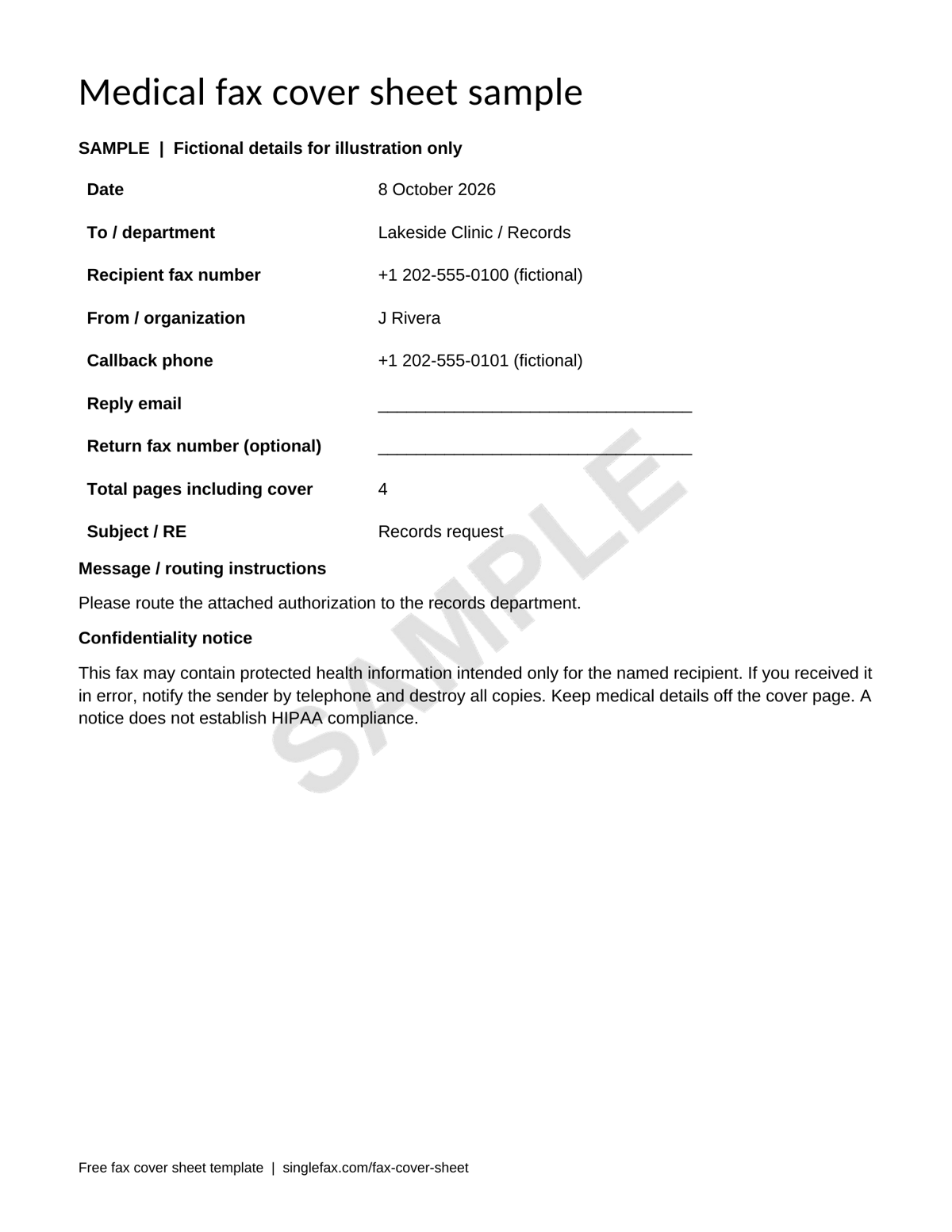
This four-page packet has one cover and three document pages. “Records request” explains the purpose without exposing a diagnosis. The sender asks staff to route the attached authorization to records. A real office may require additional identifiers on its own form; follow that instruction and keep the cover minimal.
IRS Form 2848
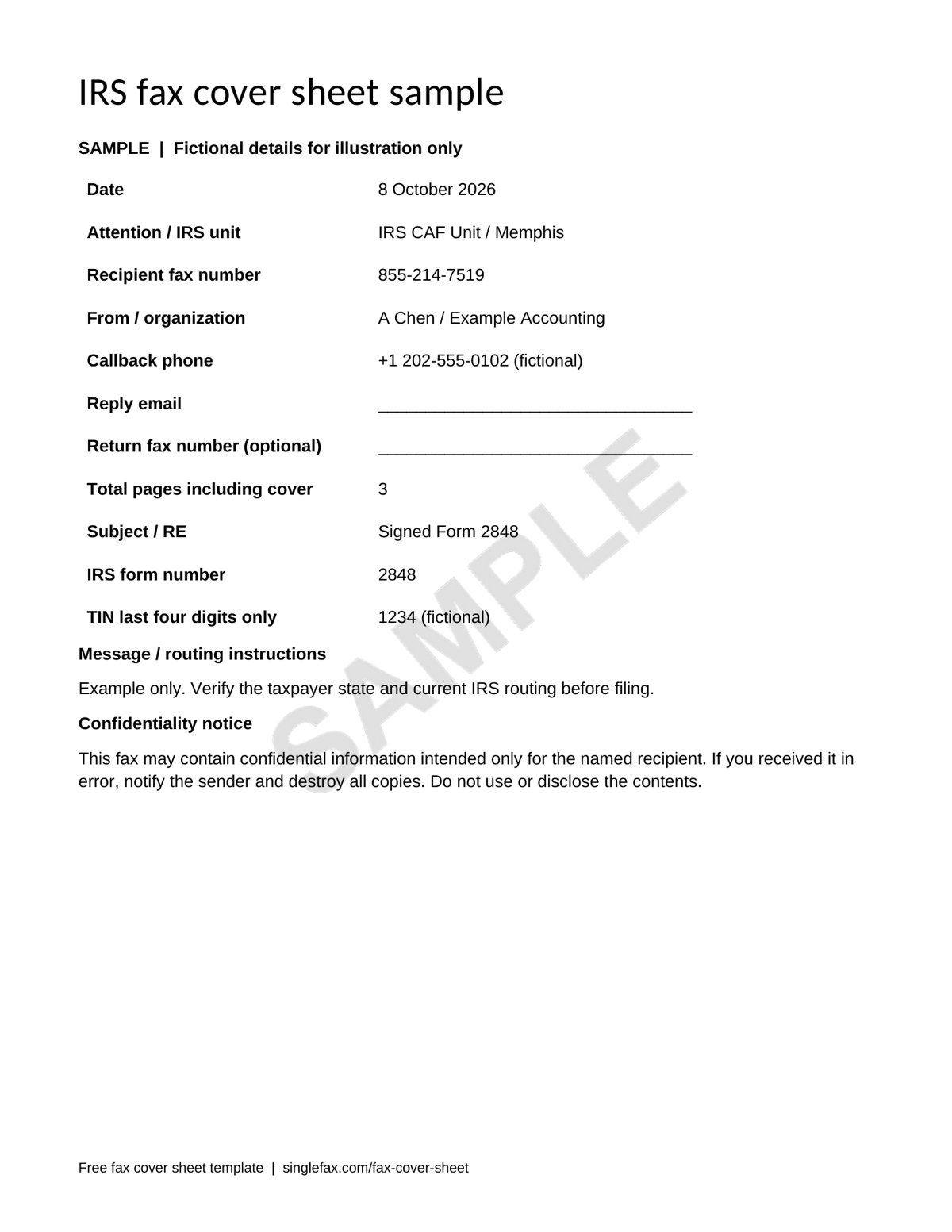
The sample is addressed to Memphis. The IRS Form 2848 instructions, checked 8 October 2026, list 855-214-7519 for that unit. Select the unit for the taxpayer's residence, rather than the representative's address. The Form 2848 guide has the state chart and signature rules.
HR onboarding
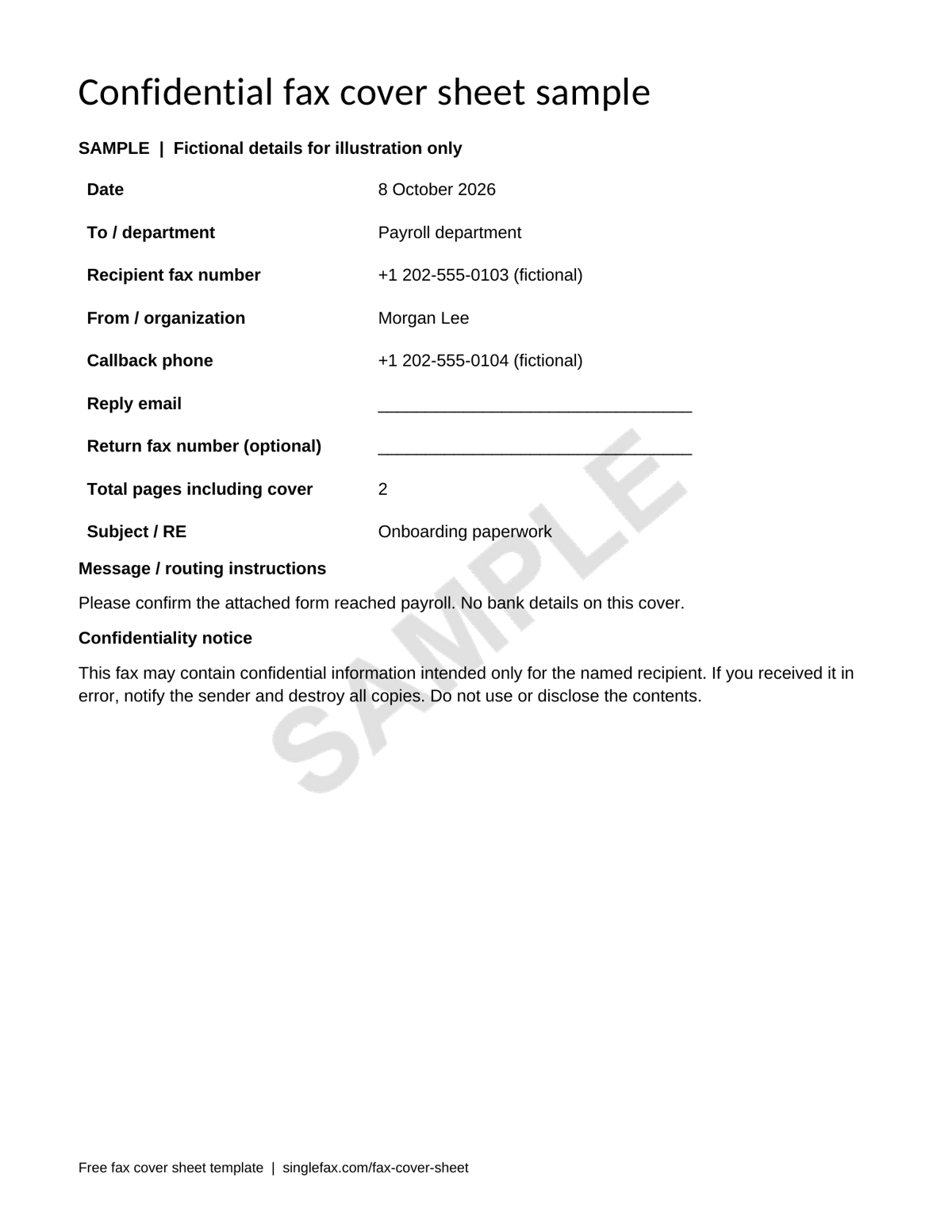
The HR example identifies payroll and requests receipt confirmation. The subject describes onboarding paperwork; bank details stay on the attached form. This is a two-page transmission, including the cover. A callback contact helps payroll report missing pages without repeating sensitive information in an email subject.
Fax cover sheet format
The field-by-field cover sheet guide explains how to complete the format.
The recipient needs to know who the fax is for, who sent it, what it concerns, and how many pages should arrive. The generator field guide explains each field. Use at least 11-point text and generous spacing. Avoid pale gray fills, busy backgrounds, small watermarks, and narrow margins.
Count the cover in the total printed on the sheet. The total helps staff spot a missing attachment. It differs from billing: a cover created in the SingleFax send composer is excluded from billed pages. A cover already merged into an uploaded PDF is part of that document's page count.
Which format should you download?
| Format | Best for | Editing | Before sending |
|---|---|---|---|
| Printing and handwriting | These blank PDFs are printable, not interactive forms | Inspect the scan after handwriting | |
| Word (.docx) | Reusable sender details, logo, or custom fields | Word desktop or mobile | Export to PDF to preserve layout |
| Google Docs | A private team template in Drive | Upload a Word file and open it in Docs | Download the completed document as PDF |
| Online generator | One packet or a cover prepended to a PDF | Browser on phone or computer | Inspect the preview and full packet |
For Word-specific steps, use the Word fax cover sheet guide. Save your reusable master before filling a recipient's information. Make a fresh copy for each fax, and update the date, destination, subject, and page total every time.
Copy-ready message lines
Use short instructions that tell the recipient what action is needed:
- Business: “Please route the attached signed agreement to purchasing.”
- Medical: “Please route the attached authorization to records. Contact the sender if any pages are missing.”
- IRS: “Attached: signed Form 2848. Please route to the CAF unit.”
- Legal: “Please associate the attached documents with the matter reference above.”
- Insurance: “Supporting documents for the claim reference above. Please confirm the complete packet arrived.”
- Urgent: “Please deliver promptly and contact the sender to confirm receipt.”
For a confidentiality notice, copy one of the ready-made versions in the confidential fax cover sheet statement examples. A medical notice can mention possible PHI without stating a diagnosis.
How to send the template with your fax
Export the filled Word or Docs cover as a PDF. Put it first in the packet and check that no document pages are missing. The generator can prepend a cover to a PDF locally. For the free cover feature in the send composer, upload the original document and create the cover there, rather than uploading a packet with a cover already merged in.
You can send the fax online without creating an account. Review the destination and page quote before paying, then save the delivery confirmation. Successful fax delivery records the transmission; it does not confirm that an agency approved the submission or that a particular person read it.
From Gmail or Outlook, attach your finished packet and email send@fax.delivery with the fax number in the subject. Read the email-to-fax guide for file limits and the payment-link step. Keep sensitive details out of the email subject. For a covered entity's PHI workflow, use the HIPAA service covered by the BAA.