Free HIPAA & Confidential Fax Cover Sheet Generator (PDF & Word)
Fill and preview a fax cover page, add your logo, then print or download a PDF. Blank Word templates are free too. No signup.
Create your fax cover sheet
Covers made with this generator include SingleFax branding, including when you add your own logo.
Template
Keep diagnosis, full SSN, and clinical details off this page. A notice is a safeguard, not a BAA.
Confidentiality notice
A notice is a routing safeguard, not a BAA. It does not make a fax HIPAA compliant.
Recipient Information
Sender Information (From)
Preview updates as you type.
Empty required fields print as blank lines so you can fill the sheet by hand.
Send from $0.99 for up to 10 pages (then about $0.08/page). A cover added in the send composer is not billed. No subscription. Pay only if delivered. Review the packet and quote before checkout.
Send my fax from $0.99Download a free printable fax cover sheet
Choose a PDF to print or a Word file to edit. Every template fits one US Letter page and uses black text on white.
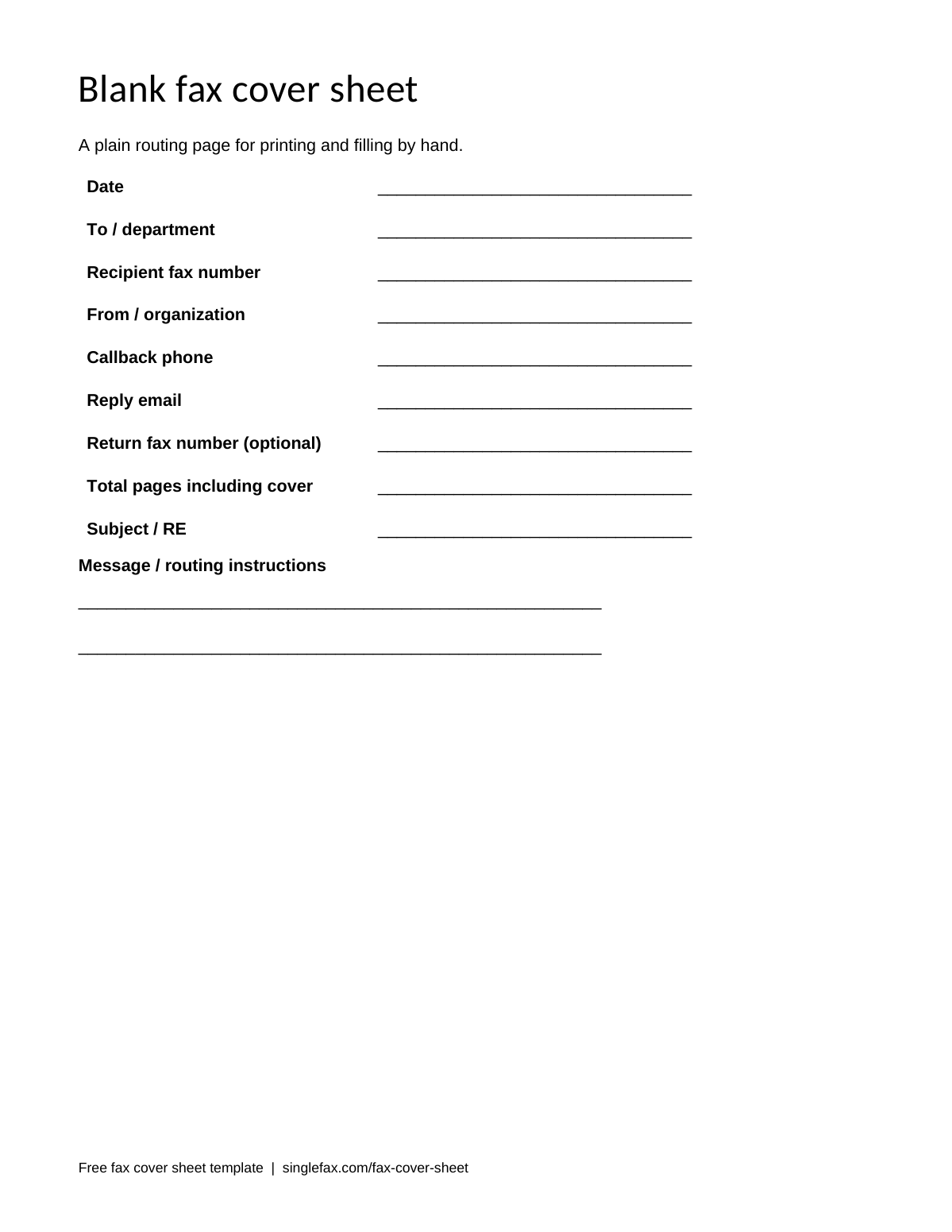
Blank fax cover sheet
A plain routing page for printing and filling by hand.
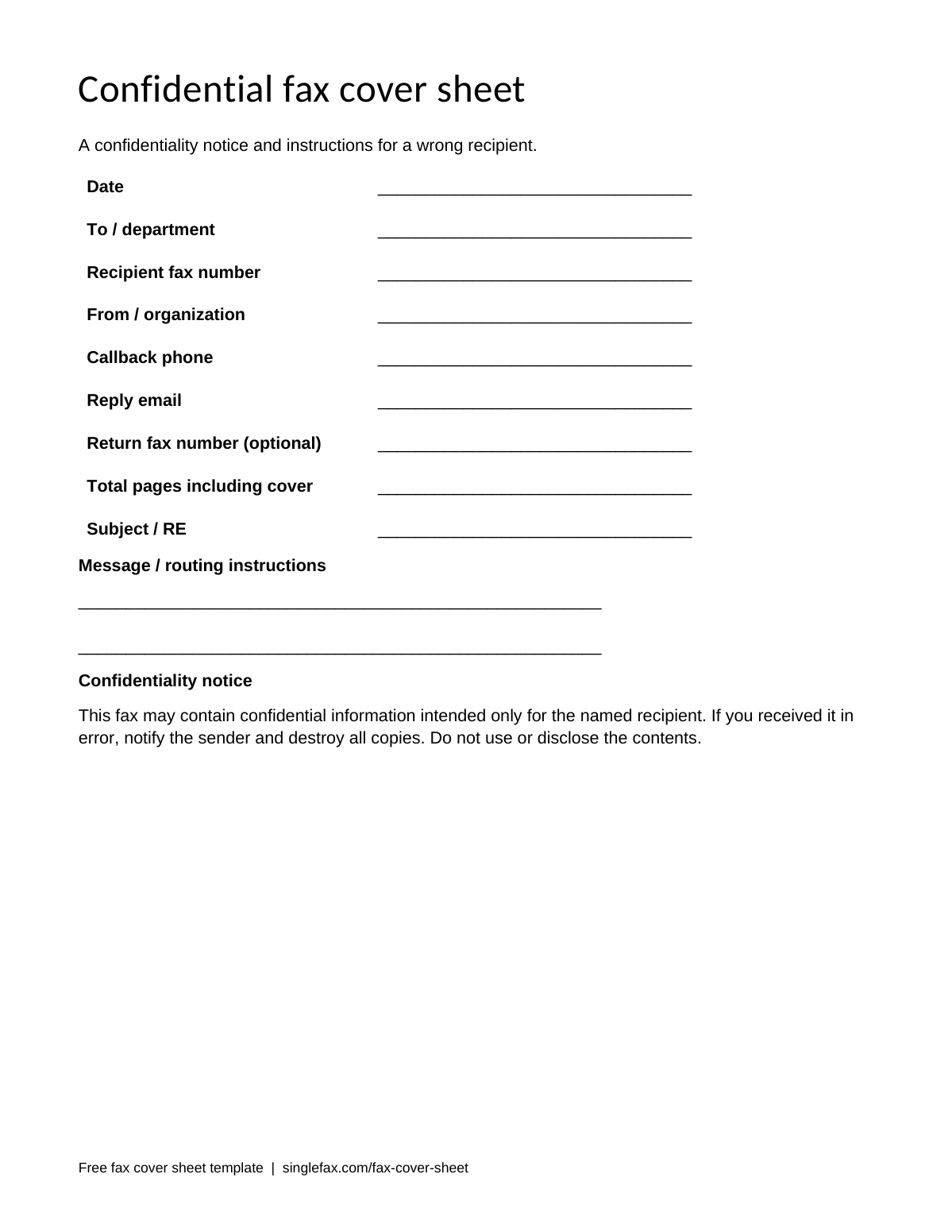
Confidential fax cover sheet
A confidentiality notice and instructions for a wrong recipient.
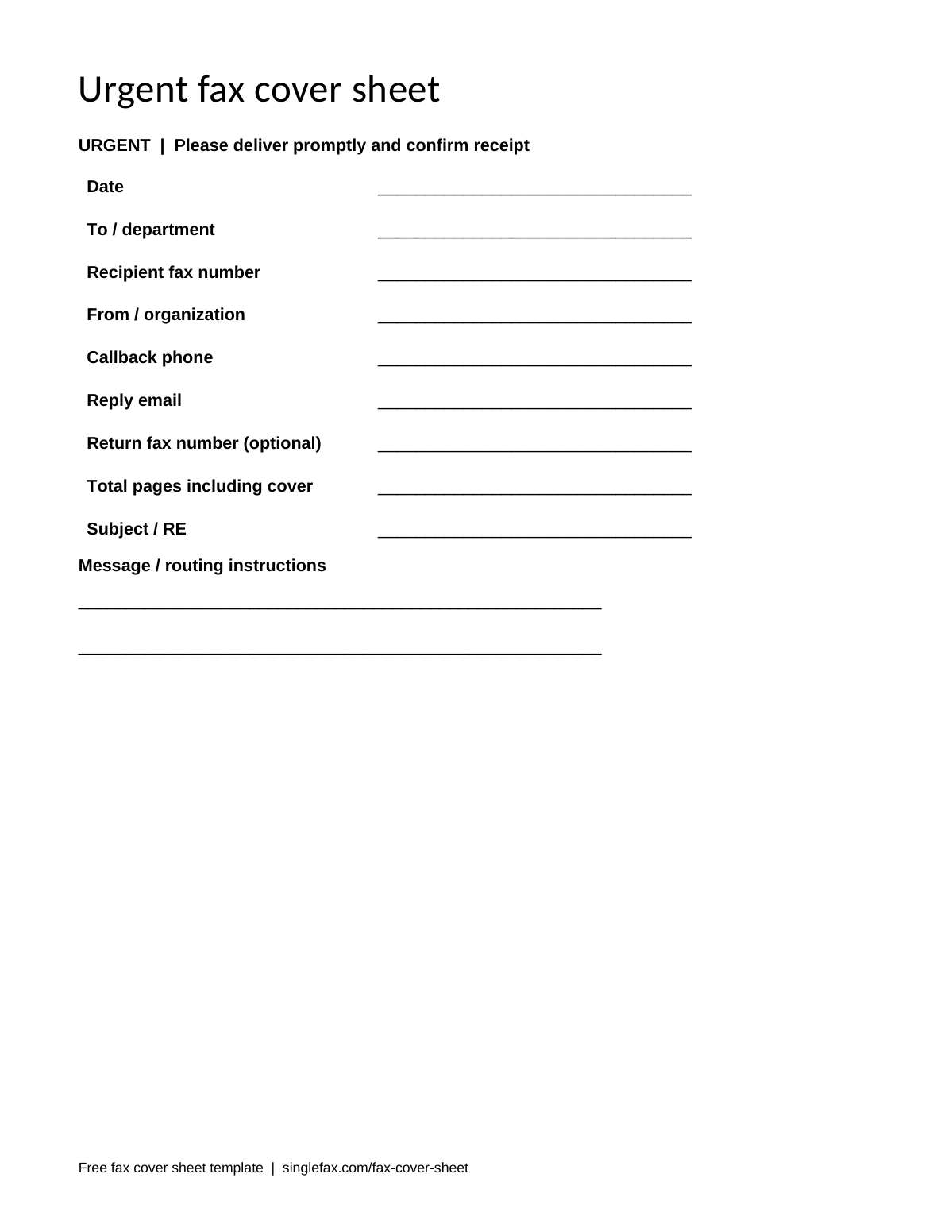
Urgent fax cover sheet
A prominent urgent heading and a request for a callback.
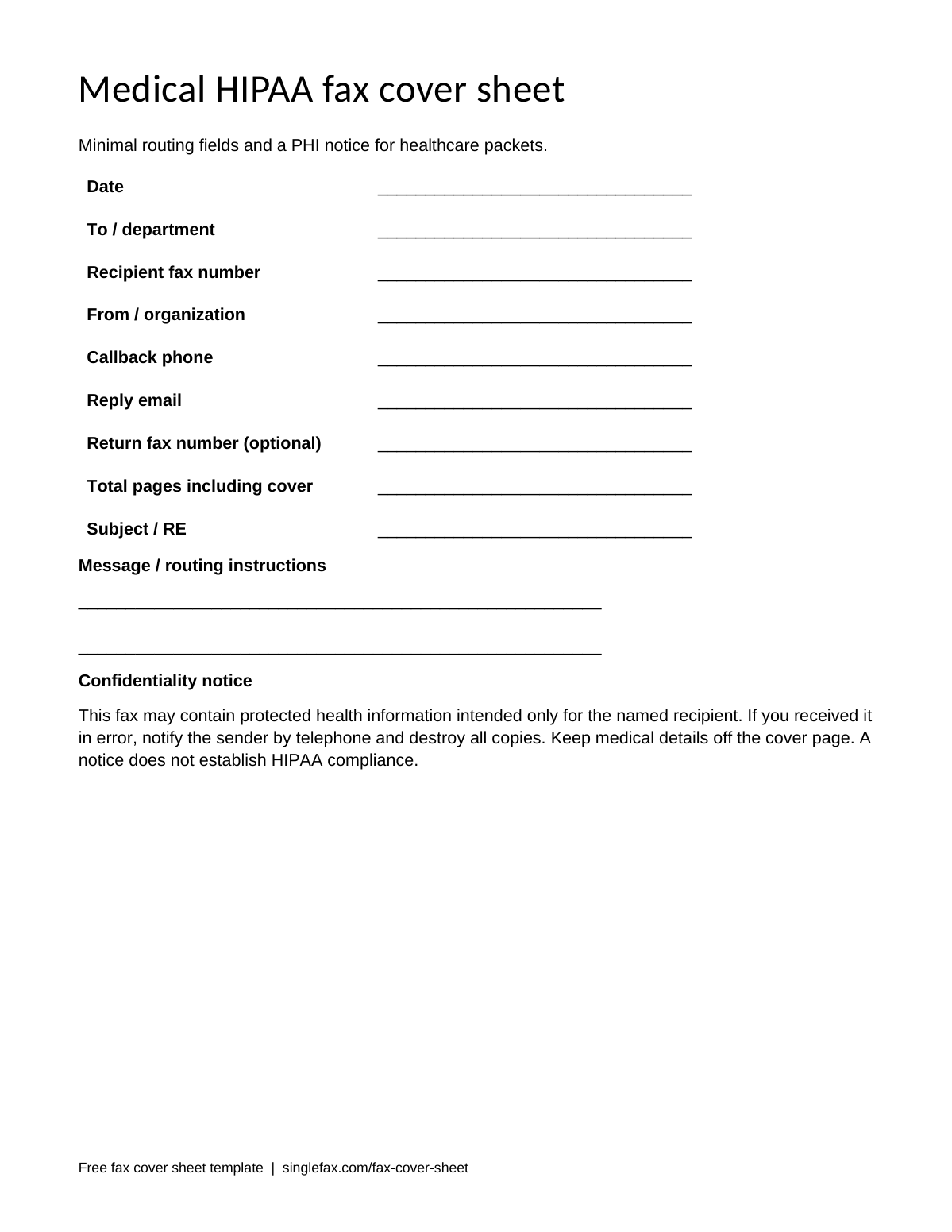
Medical and HIPAA fax cover sheet
Minimal routing fields and a PHI notice for healthcare packets.
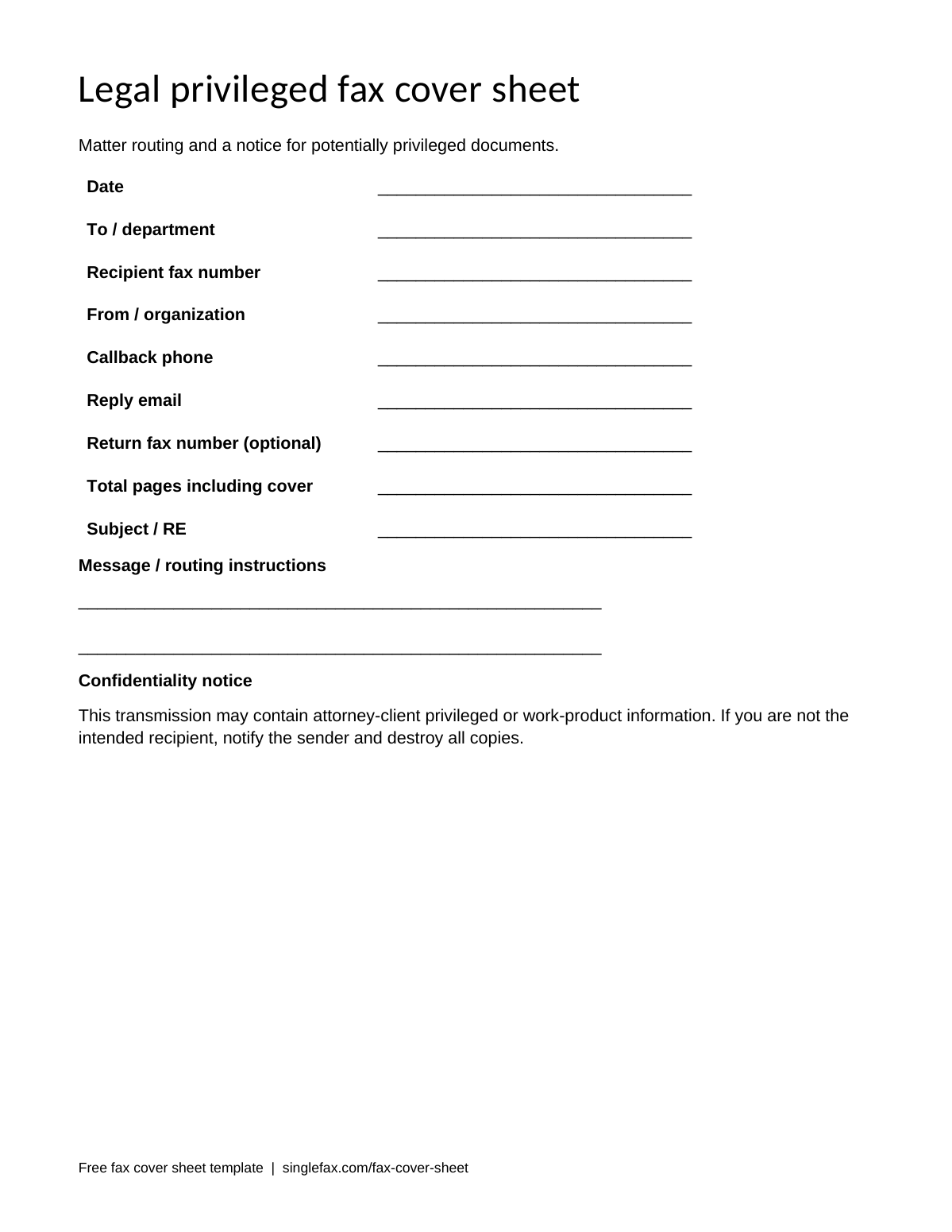
Legal and privileged fax cover sheet
Matter routing and a notice for potentially privileged documents.
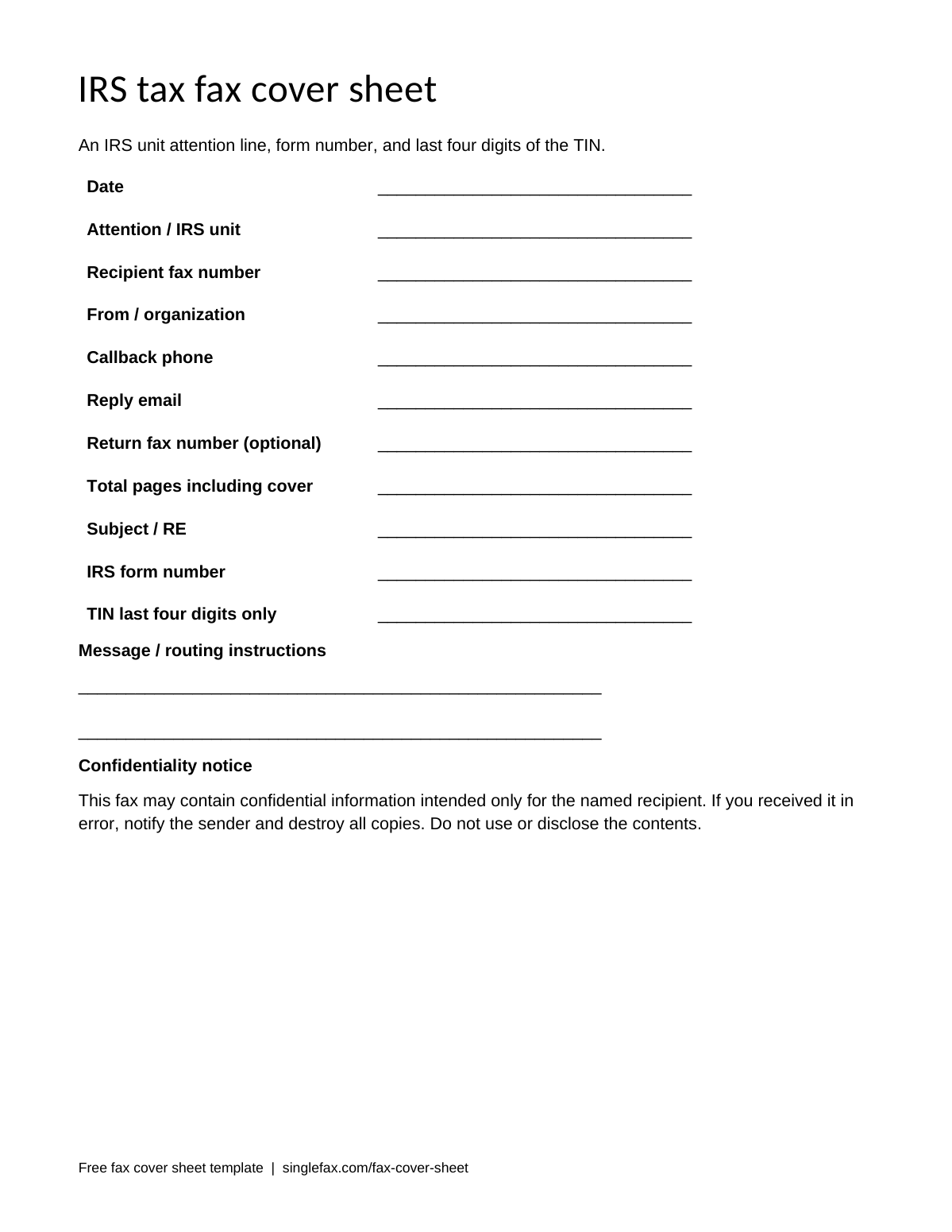
IRS and tax fax cover sheet
An IRS unit attention line, form number, and last four digits of the TIN.
Use the Word editing guide, Google Docs workflow, or field-by-field filling instructions to prepare your routing page.
Browse all 12 templates and filled samples, or create your cover above and send your fax from $0.99.
What is a fax cover sheet?
A fax cover sheet is the first page of a fax packet. It identifies the recipient, sender, purpose, date, and total number of pages. On a shared fax machine it helps staff route the documents and contact you if a page is missing. A cover letter, cover page, and transmittal sheet serve the same purpose.
You can make one in the free generator, download a blank printable PDF, or edit a Word template. Use the PDF when you want a predictable printed layout. Use Word when you want to reuse your organization’s contact details. The generator is convenient for a single packet because it previews your entries and can prepend the cover to a PDF.
What to put on a fax cover sheet
Fill the routing fields first. A cover should give receiving staff enough information to deliver the packet to the right person without requiring them to read the attachment. Use the recipient’s exact department name where possible. An individual’s name alone may be insufficient in a large clinic, agency, or company.
| Field | What to enter | Why it helps |
|---|---|---|
| Date | The day you send | Distinguishes this packet from earlier submissions. |
| Recipient name and department | Records department | Routes a fax arriving at a shared machine. |
| Recipient fax number | The number confirmed by the recipient | Helps you check the destination before sending. |
| Sender name and company | Your name and organization | Identifies who sent the attached documents. |
| Callback phone or email | A contact you monitor | Lets staff report missing or unreadable pages. |
| Return fax number, if needed | Your active receiving number | Gives the recipient a route for fax replies. |
| Total pages including cover | 6 for a cover plus five document pages | Helps the receiving office check completeness. |
| Subject or RE | Signed authorization | Explains the purpose without exposing document contents. |
| Message and confidentiality notice | Please route to records | Provides handling instructions and a response to misdelivery. |
A return fax number is optional when you only need to send. A callback phone or email is still useful. If the recipient will fax a response, arrange a receiving number that stays active long enough for that response. A 24-hour number may be too short for an agency that takes several days to process paperwork.
Count the cover in the recipient-facing total. A five-page document with one cover is a six-page transmission. That total is different from the price calculation: a cover created inside SingleFax’s send composer is excluded from billed pages. A cover you have already merged into an uploaded PDF is part of that document.
How to fill out a fax cover sheet
- Choose a purpose and template. Use standard for everyday routing, medical for a PHI notice, or IRS for form and unit details. Recipient instructions take priority over a generic template.
- Enter the recipient’s name, department, and fax number. Confirm the number through the recipient’s official website or a known contact before sending sensitive documents.
- Add your name and a monitored callback contact. Include your organization when it helps the recipient identify the packet.
- Write a short subject and count the complete packet. Keep the subject to routing information, such as “Signed authorization,” rather than a diagnosis or full account number.
- Review the preview, then print or download. If you attached a PDF, check the combined packet and confirm that the cover is first and every document page is present.
For a handwritten cover, leave enough space between fields and write clearly in dark ink. Correct an uncertain fax number before transmission. A confidentiality statement cannot recover a document sent to the wrong machine.
Fax cover sheet format that stays readable
Fax transmission can reduce detail, especially in small text, photographs, and faint gray lines. Start with black text on white, a plain font at least 11 points, and margins of at least half an inch. Use clear labels and generous spacing. A large decorative background uses space without helping staff identify the sender or recipient.
Keep logos small and legible. A high-contrast logo is more useful than a photograph or pale watermark. Preview the final PDF at ordinary reading size and check that the phone number, page count, and department can be read without zooming. If you scan a handwritten sheet, inspect the scan for cropped edges, shadows, skew, and missing text.
The downloadable templates use US Letter pages. If you print on A4, choose a fitting print option and inspect the edges. When you merge a cover with an existing PDF, check the resulting page sizes. Avoid editing and exporting the same document repeatedly across different apps, which can shift tables and change the number of pages.
Do you need a fax cover sheet?
Use a cover when the recipient asks for one, when the destination is shared, or when your packet needs an attention line. Clinics, insurers, payroll offices, legal teams, and government departments often receive many unrelated documents on one fax line. A clear routing page reduces the need to search through the attachment.
You may not need a separate cover for a one-page note sent to a direct personal fax line. An agency may also supply a required cover, barcode letter, or identification page. Follow that instruction instead of replacing it with a general-purpose template. See the SSA fax guide for barcode routing and the absentee ballot guide for election-specific requirements.
For tax forms, identify the form and receiving unit. A Form 2848 CAF destination is different from a Form 2553 election destination. Select the number for the particular form and taxpayer location, then put the unit on the cover. Leave the full TIN on the signed IRS form; the routing cover generally needs much less detail.
Confidentiality statement examples
General: This fax is intended for the named recipient and may contain confidential information. If you received it in error, notify the sender and destroy all copies. Do not use or disclose the contents.
Medical: This fax may contain protected health information intended for the named recipient. If you received it in error, call the sender and destroy all copies. Please handle the attached documents according to your organization’s privacy procedures.
Legal: This transmission may contain attorney-client privileged or work-product information. If you are not the intended recipient, notify the sender and destroy all copies.
These notices are handling instructions. They do not create privilege, establish HIPAA compliance, or replace a business associate agreement. For a covered entity sending patient records through a fax service, review HIPAA Secure fax and the BAA and safeguards. Keep clinical information behind the cover and include only what the receiving office needs for routing.
Word, PDF, and Google Docs templates
The Word template guide explains how to customize a .docx and preserve its layout as a PDF. You can also upload a downloaded Word template to Google Drive and open it with Google Docs. Save your own copy before adding details so the reusable blank file stays intact.
For repeat work, keep your sender details in a private master template and change the recipient, date, subject, and page count for every fax. Reusing an old cover without checking those fields can send the right attachment to the wrong office. Browse the 12-template gallery for insurance, pharmacy, real estate, and personal versions.
Send your cover with the fax
Download the filled cover for printing or merge it with your document in the generator. For a free composer-generated cover, upload the original document on the send page and add the cover there. The generator saves your text fields for that step in the current browser tab. Check the composer preview before paying, and add your logo there if needed.
$0.99 covers up to 10 pages, pay only if delivered. Review the packet and quote before checkout. Email users can follow the email-to-fax instructions and attach a cover PDF with the packet.
How it works
- Pick a purpose (business, medical/HIPAA, legal, IRS, or personal) and a high-contrast style.
- Fill routing fields. Optionally attach a PDF so the cover is prepended, or download a blank printable sheet.
- Preview updates in your browser. Print or download — nothing is uploaded.
HIPAA compliant and confidential fax cover sheets
Create a confidential fax cover sheet with a confidentiality statement to help route sensitive paperwork. Use a cover when the receiving fax is shared (clinics, law firms, agencies) so staff can route the packet. A cover letter and a cover sheet are the same document. Do not replace an SSA barcode letter or an election oath with this generator — see faxing an absentee ballot our HIPAA fax cover sheet guide, and SSA faxing.
VA fax cover sheet for disability claims
VA.gov lists fax as one way to send a disability compensation application: 844-531-7818 from inside the U.S., or 248-524-4260 from outside the U.S. The mailing address it gives is Department of Veterans Affairs, Claims Intake Center, PO Box 4444, Janesville, WI 53547-4444 (checked on VA.gov on 14 October 2026). Put a cover sheet first so staff can match the pages to the right veteran: the claimant’s name, the VA file number or the last four digits of the SSN, a short description of what you are sending, the page count, and a phone number. Mark it confidential, and keep your fax confirmation showing the VA number it went to.
Frequently asked questions
Yes. The free medical template includes a confidentiality notice. A cover sheet alone does not make a fax HIPAA compliant or replace a BAA. Use the HIPAA Secure workflow and appropriate safeguards for organizational PHI. Our HIPAA fax cover sheet guide explains the template and disclaimer.